SOCKS5 vs HTTP proxies: video guide
A 1:01 screen recording with voice and captions of the Protocol setting in the QuanticData endpoint generator: HTTP and SOCKS5 each have their own port on the same plan and the same login, the URL format shows the scheme of each line, and the cURL command for SOCKS5 uses socks5h so the hostname is resolved through the proxy.
SOCKS5 proxies in writing, with the networks and the prices: SOCKS5 proxies: the networks, the ports and the price per GB.
Chapters
Transcript
The captions of the video, line by line. Click a time to jump there.
- 0:00HTTP or SOCKS5? One proxy plan gives you both. Here is how to get each one.
- 0:06Open your plan from My proxies.
- 0:09Under Protocol, HTTP and SOCKS5 each have their own port.
- 0:13HTTP suits browsers and most HTTP clients.
- 0:18Choose the URL format: the line starts with http.
- 0:23Now switch to SOCKS5.
- 0:26The scheme and the port change. The login stays the same.
- 0:30SOCKS5 also carries other TCP traffic.
- 0:34To test it, set the format to cURL command.
- 0:37The command uses socks5h, so the hostname is resolved through the proxy too.
- 0:42Switch back to HTTP for the HTTP command.
- 0:46Each command prints the IP your request left from.
- 0:50Use the protocol your software supports.
- 0:54More on both protocols at quanticdata.io/socks5-proxies.
Where to go next
Rotating or sticky, from one endpoint
Residential, mobile and datacenter proxies with country targeting, rotating or sticky sessions, HTTP or SOCKS5, built in the endpoint generator or over the API.
More video guides
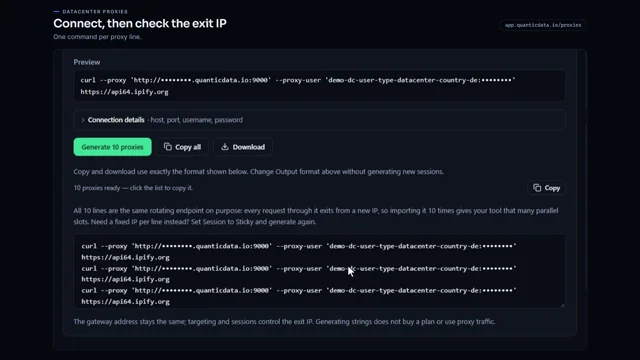 0:54Datacenter proxies setupWatch the video
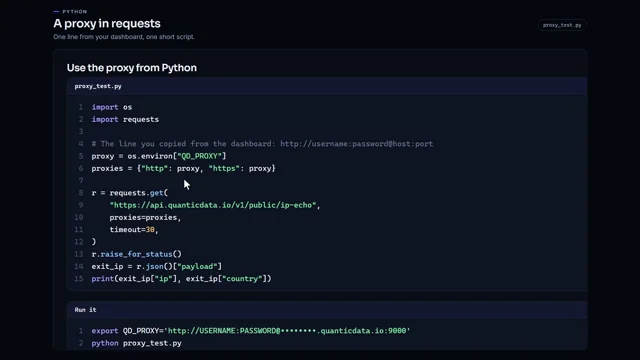 0:59Use a proxy in Python with requestsWatch the video
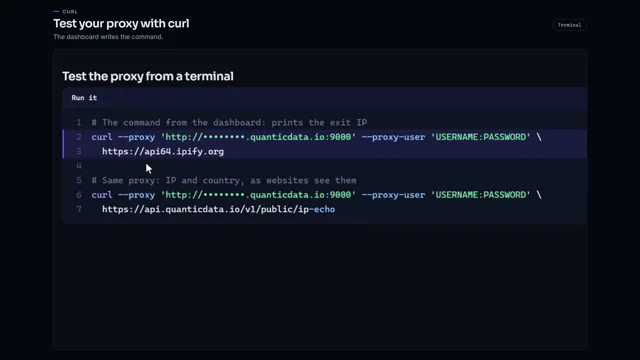 1:00Test a proxy with curlWatch the video
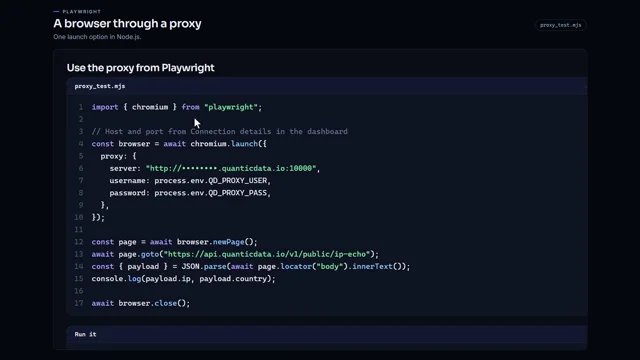 0:57Run Playwright through a proxy in Node.jsWatch the video
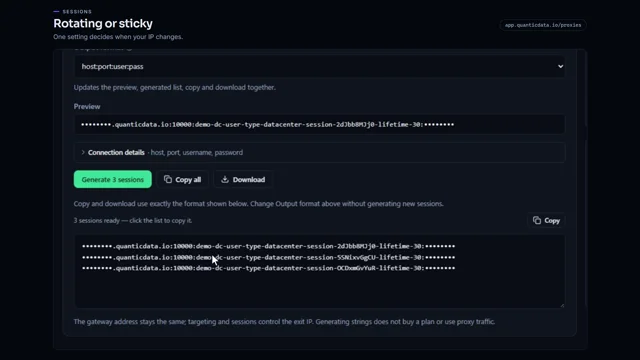 0:54Rotating vs sticky proxiesWatch the video
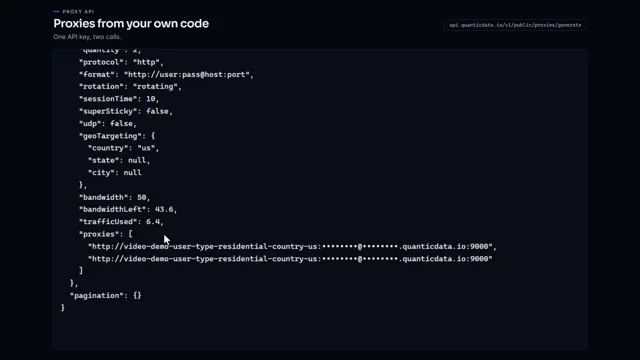 0:51Generate proxies from your code with one API keyWatch the video