Run Playwright through a proxy in Node.js: video guide
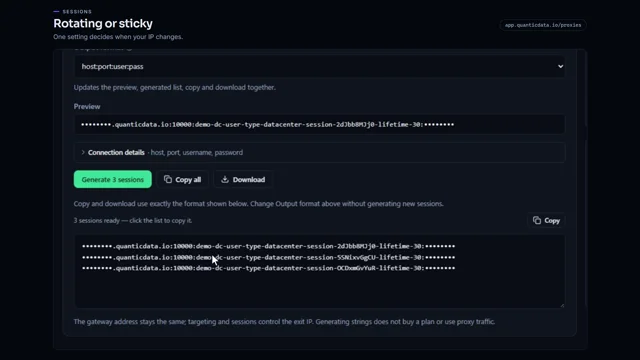
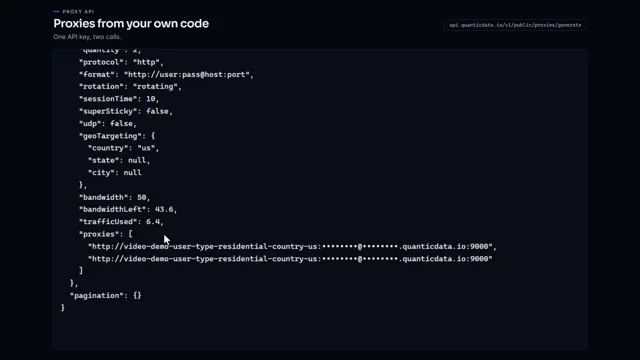
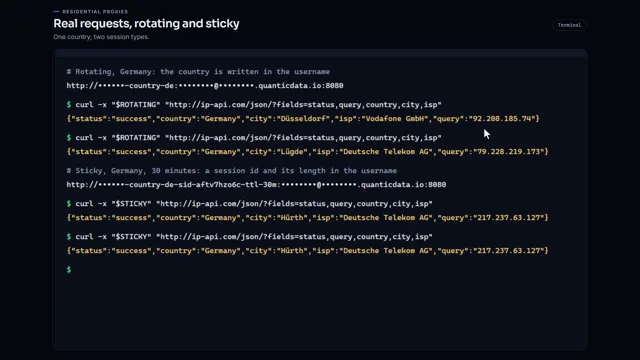
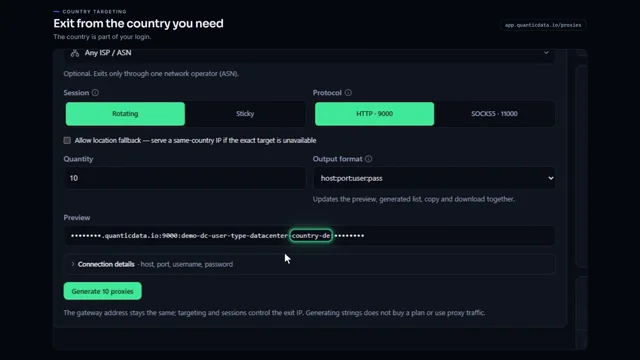
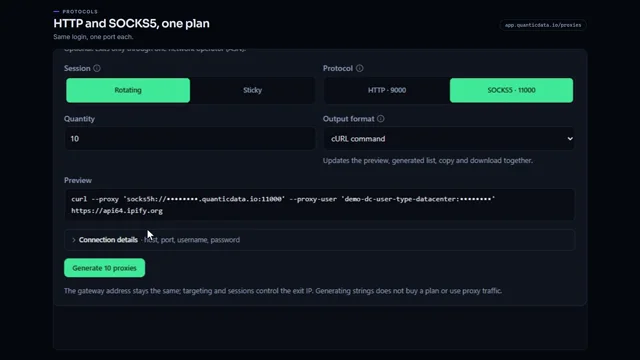
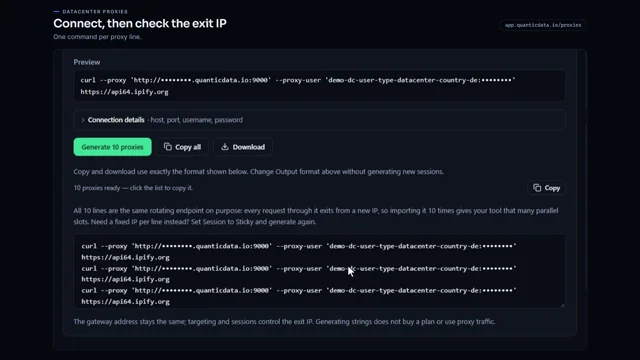
A 0:57 screen recording with voice and captions: pick a country and a sticky session in the QuanticData endpoint generator, open Connection details to read the host, the port, the username and the password, pass them to chromium.launch as the proxy option, open the IP echo endpoint in that browser and print the exit IP and its country.
The long version in writing: Playwright proxy: setup, auth and bandwidth.
Chapters
Transcript
The captions of the video, line by line. Click a time to jump there.
- 0:00Run Playwright through a proxy in Node.js.
- 0:02Take the proxy fields from your dashboard, and add one launch option.
- 0:08Open your plan from My proxies.
- 0:10Pick the country you need.
- 0:13For a browser, choose Sticky: the IP stays the same for the whole session.
- 0:18Open Connection details.
- 0:20Playwright takes the proxy as separate fields: host, port, username and password.
- 0:25In your script, pass them to chromium.launch as the proxy option.
- 0:30The server is the host and the port.
- 0:33The username and password come from environment variables.
- 0:37Then open our IP echo endpoint in that browser.
- 0:40And print the exit IP and its country.
- 0:44Install Playwright once, and set the two variables.
- 0:48Then run the script with node.
- 0:51Code samples for every endpoint are at quanticdata.io/docs.
Where to go next
Rotating or sticky, from one endpoint
Residential, mobile and datacenter proxies with country targeting, rotating or sticky sessions, HTTP or SOCKS5, built in the endpoint generator or over the API.