Test a proxy with curl: video guide
A 1:00 screen recording with voice and captions: set the output format of the QuanticData endpoint generator to cURL command and read its parts, the gateway, the login and the address that answers with your exit IP, see how Sticky and SOCKS5 change the command, then generate one line, copy it and run it in a terminal.
The long version in writing: curl proxy: setup, auth, SOCKS5 and errors.
Chapters
Transcript
The captions of the video, line by line. Click a time to jump there.
- 0:00Test your proxy with curl. The dashboard writes the whole command for you.
- 0:05Open your plan from My proxies.
- 0:08Set the output format to cURL command.
- 0:10The preview is now a complete command.
- 0:13--proxy is the gateway, and --proxy-user is your login.
- 0:19The address at the end answers with your exit IP.
- 0:23This line is rotating: every run leaves from a new IP.
- 0:27Switch to Sticky, and the username gets a session.
- 0:31Every run then keeps the same IP, for the session length you set.
- 0:35For SOCKS5, switch the protocol: the command uses socks5h.
- 0:40Switch back to rotating HTTP.
- 0:43Generate one line, and copy the command.
- 0:47Paste it into your terminal, and run it.
- 0:50To see the country too, send it to our IP echo endpoint.
- 0:54The full API reference is at quanticdata.io/docs.
Where to go next
Rotating or sticky, from one endpoint
Residential, mobile and datacenter proxies with country targeting, rotating or sticky sessions, HTTP or SOCKS5, built in the endpoint generator or over the API.
More video guides
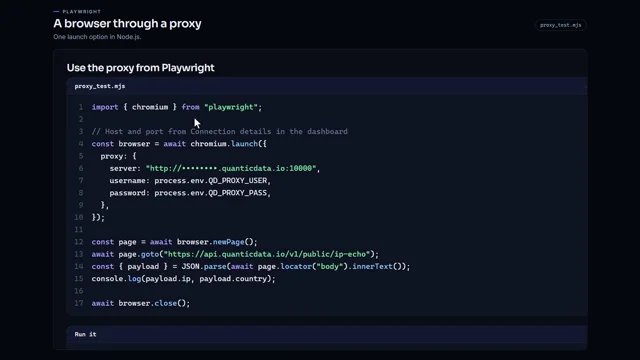 0:57Run Playwright through a proxy in Node.jsWatch the video
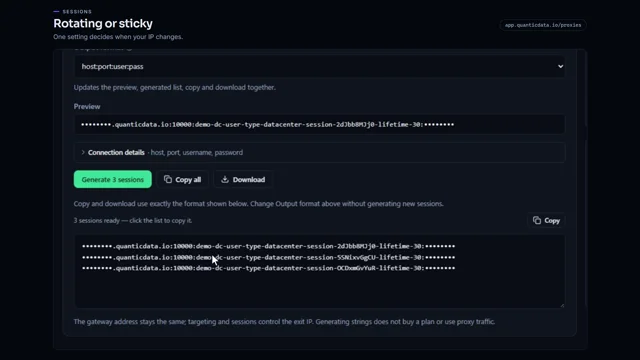 0:54Rotating vs sticky proxiesWatch the video
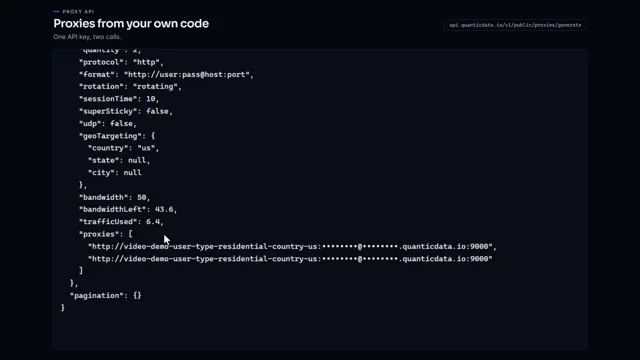 0:51Generate proxies from your code with one API keyWatch the video
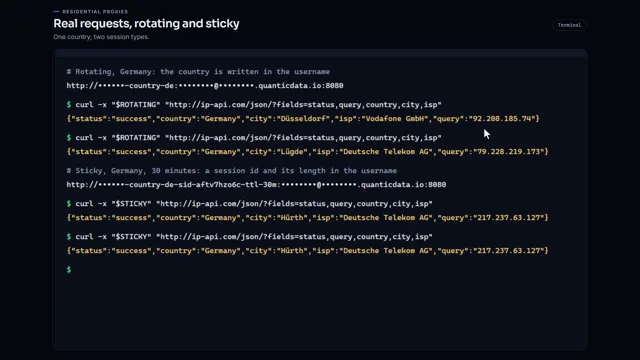 0:57Residential proxies quick startWatch the video
 0:56Proxy country targetingWatch the video
 1:01SOCKS5 vs HTTP proxiesWatch the video