Generate proxies from your code with one API key: video guide
A 0:51 screen recording with voice and captions of the proxy API of QuanticData: find the API key in the dashboard, copy it, send it as a Bearer token, list your proxy plans with the first call and ask for ready-to-use proxy lines for one order with the second, with country, quantity and format in the body.
Every endpoint in writing, with examples: API documentation: every endpoint, with examples.
Chapters
Transcript
The captions of the video, line by line. Click a time to jump there.
- 0:00Proxies from your own code: one API key, two calls. Here is how.
- 0:06In your dashboard, open API Keys.
- 0:09Every account has one key, created the first time you open this page.
- 0:13It works for the proxy API and the Data API.
- 0:17Copy it, and keep it in an environment variable.
- 0:21If it ever leaks, Rotate gives you a new one.
- 0:24Every call sends the key as a Bearer token.
- 0:27The first call lists your proxy plans.
- 0:30Here is the answer: a Residential plan, with its order ID.
- 0:34The second call asks for proxy lines for that order.
- 0:38Country, quantity and format go in the body.
- 0:41The answer is a list of ready-to-use proxy lines.
- 0:45Every endpoint, with examples, is at quanticdata.io/docs.
Where to go next
Rotating or sticky, from one endpoint
Residential, mobile and datacenter proxies with country targeting, rotating or sticky sessions, HTTP or SOCKS5, built in the endpoint generator or over the API.
More video guides
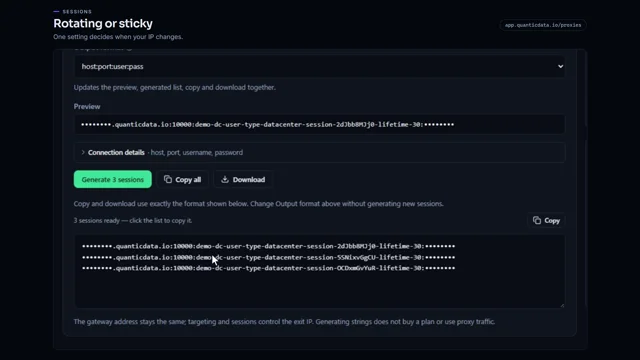 0:54Rotating vs sticky proxiesWatch the video
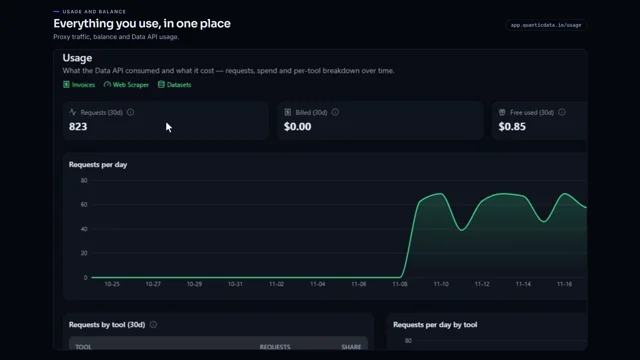 0:55Check your proxy traffic, balance and API usageWatch the video
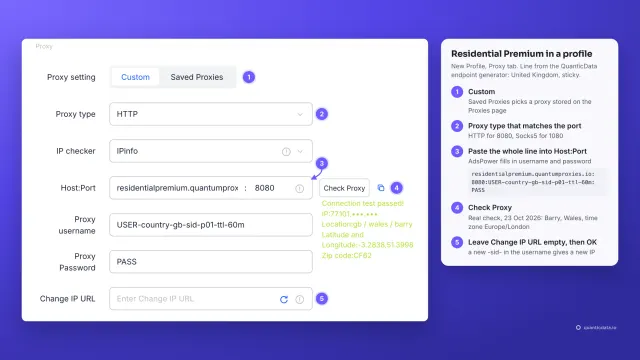 1:34How to add a proxy to AdsPowerWatch the video
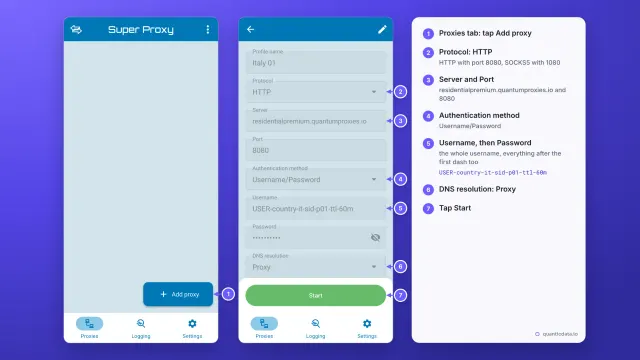 1:33How to set up a proxy on AndroidWatch the video
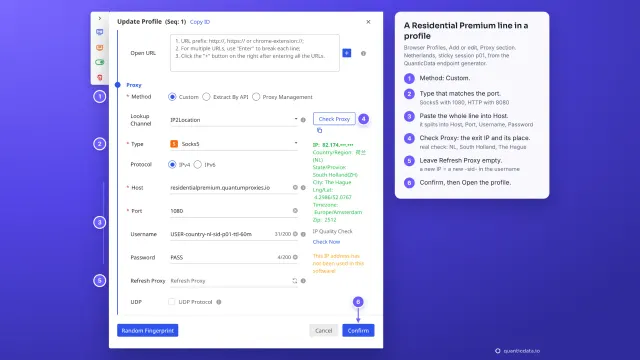 1:35How to add a proxy to BitBrowserWatch the video
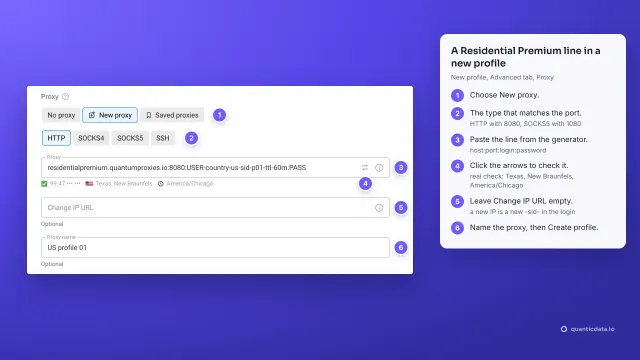 1:37How to add a proxy to Dolphin AntyWatch the video