Residential proxies quick start: video guide
A 0:57 screen recording with voice and captions: choose a residential bundle in Buy proxies, write the country into the username of the proxy line, send two rotating requests that leave from two German home IPs in two cities, then two sticky requests with a thirty-minute session that leave from the same IP.
Residential proxies in writing, with the targeting and the plans: Residential proxies: the networks, the targeting and the plans.
Chapters
Transcript
The captions of the video, line by line. Click a time to jump there.
- 0:00Residential proxies: pick a country,
- 0:02choose rotating or sticky, and send real requests.
- 0:07In Buy proxies, choose Residential.
- 0:10Pick a bundle: one payment, for a fixed term.
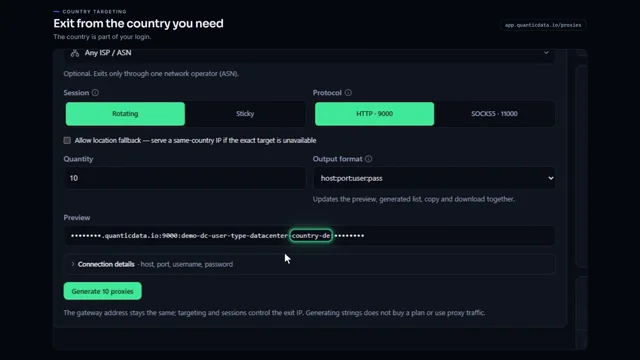
- 0:13Your proxy line carries the country in the username: here, Germany.
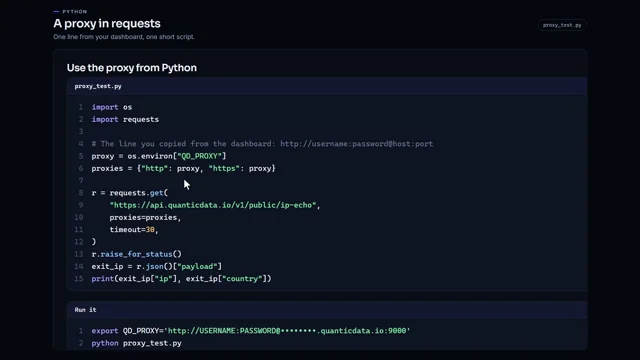
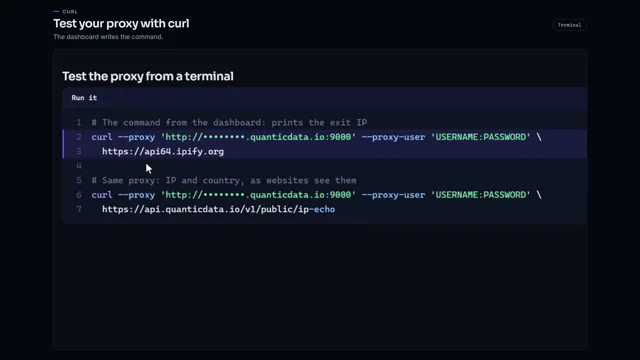
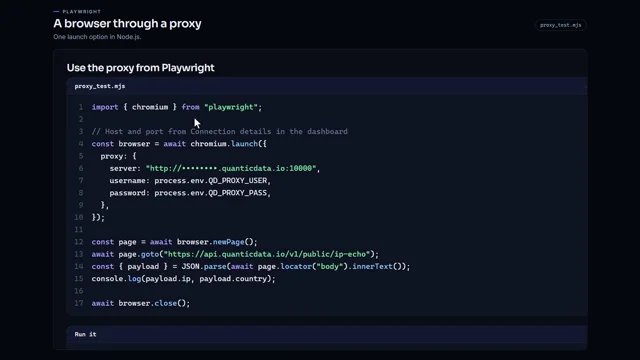
- 0:18Send a request through it.
- 0:20The answer shows a German IP, with its city and network.
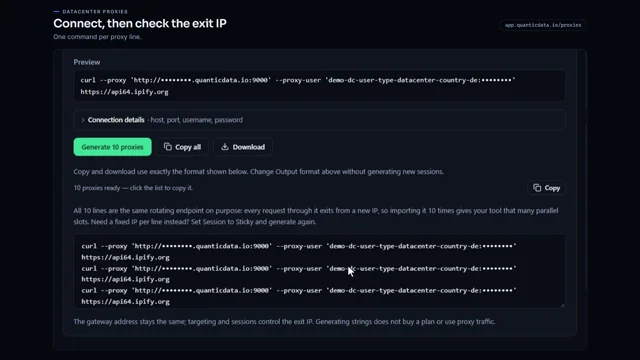
- 0:24Send it again: another IP, in another city.
- 0:28That is rotating: every request leaves from a different home IP.
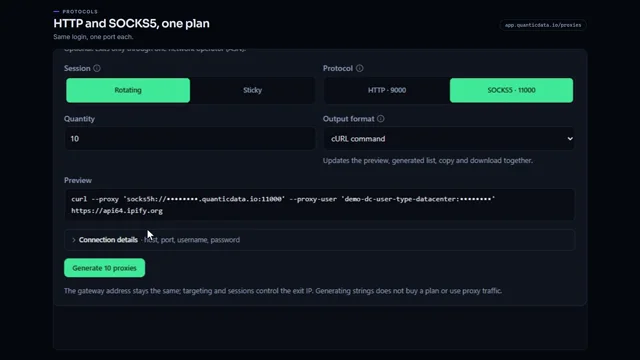
- 0:33Sticky adds a session to the username, and how long it lasts.
- 0:37Here, thirty minutes.
- 0:39Send two requests through it.
- 0:42Both leave from the same IP.
- 0:44Use rotating for many independent pages, and sticky for a login or a checkout.
- 0:50Every country is listed at quanticdata.io/residential-proxies.
Where to go next
Rotating or sticky, from one endpoint
Residential, mobile and datacenter proxies with country targeting, rotating or sticky sessions, HTTP or SOCKS5, built in the endpoint generator or over the API.