Proxy country targeting: video guide
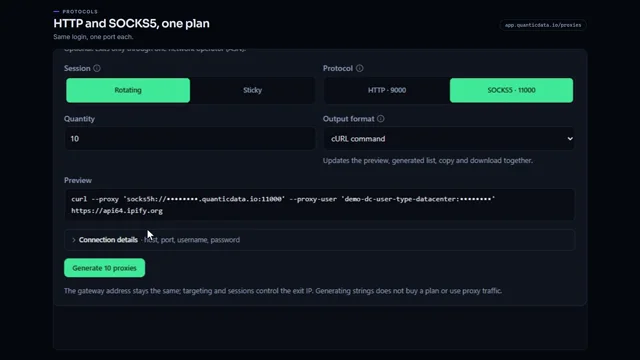
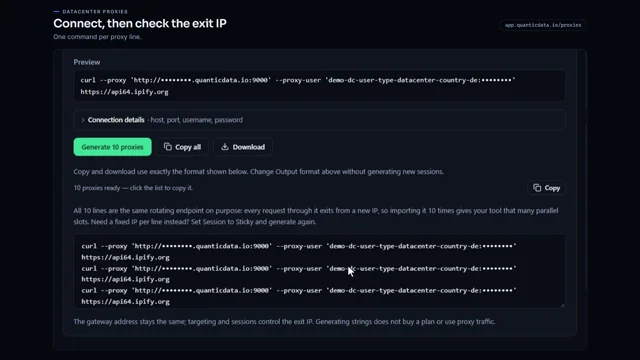
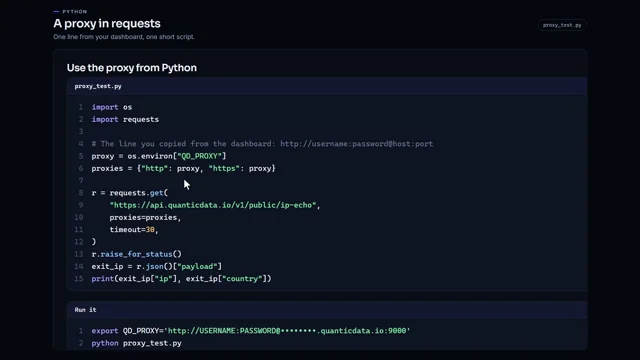
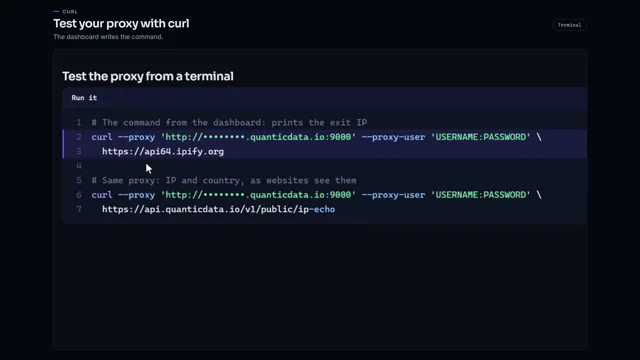
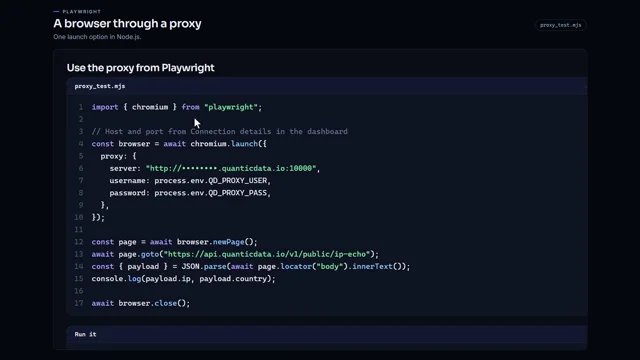
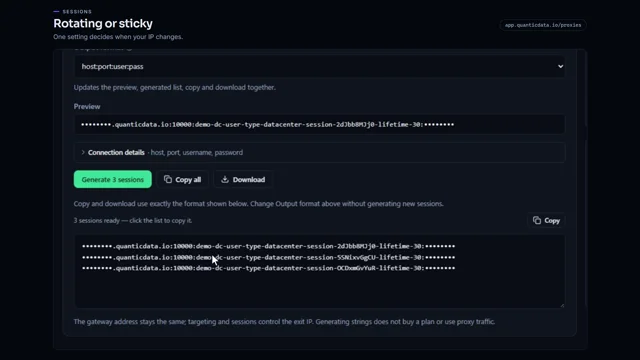
A 0:56 screen recording with voice and captions: check a country on the residential, mobile, datacenter and IPv6 networks in Buy proxies, pick the same country in the endpoint generator of your plan, see it written into the username, narrow the exit to a state, a city or an ISP, and check the exit IP with a cURL command.
Every country in writing: Residential proxy locations by country.
Chapters
Transcript
The captions of the video, line by line. Click a time to jump there.
- 0:00Make your proxies exit from the country you need.
- 0:02Here is how to set it, and check it.
- 0:05Start in Buy proxies.
- 0:08In Check a country, type the country you need.
- 0:12Each network answers at once: available, or not.
- 0:15Residential, mobile, datacenter and IPv6 each have their own list.
- 0:20Then open your plan from My proxies.
- 0:23In the endpoint generator, open Country.
- 0:27Pick the same country.
- 0:29It is written into the username.
- 0:31So there is no list of IPs to import.
- 0:35Where the network offers it, narrow the exit to a state, a city or an ISP.
- 0:40To check it, set the format to cURL command.
- 0:43Run it: the answer is your exit IP.
- 0:46Look that IP up to see its country.
- 0:50Every country is listed at quanticdata.io/proxies.
Where to go next
Rotating or sticky, from one endpoint
Residential, mobile and datacenter proxies with country targeting, rotating or sticky sessions, HTTP or SOCKS5, built in the endpoint generator or over the API.