Google search results as JSON: video guide
A 0:53 screen recording with voice and captions of the SERP tool in the QuanticData Playground: type a query, keep Google as the engine, choose the country and the language, ask for ten results, read the rank, title, link and description of each one, the related searches and the AI overview, then copy the call in Python.
The SERP API in writing, with every field of the answer and the price: SERP API: the engines, the fields of the answer and the price.
Chapters
Transcript
The captions of the video, line by line. Click a time to jump there.
- 0:00Google results as clean JSON, from one API call. Here is how.
- 0:06In the Playground, pick SERP.
- 0:09Type your query, here best coffee grinder.
- 0:12The engine is Google.
- 0:15Choose the country and the language.
- 0:17Ask for ten results.
- 0:20Click Send.
- 0:21The answer comes back as structured JSON.
- 0:25Every organic result has its rank, its title and its link.
- 0:29And a description, the snippet shown on Google.
- 0:32Further down, the related searches.
- 0:35And the AI overview, when Google shows one.
- 0:38The same call is ready in Python, with your own key.
- 0:42cURL, Node, PHP and Go are one tab away.
- 0:47See what the SERP API returns at quanticdata.io/serp-api.
Where to go next
One key for every web data API
Scrape, crawl, map, search and audit pages with one API key: try each call in the Playground, then copy it as cURL, Python, Node.js, PHP or Go.
More video guides
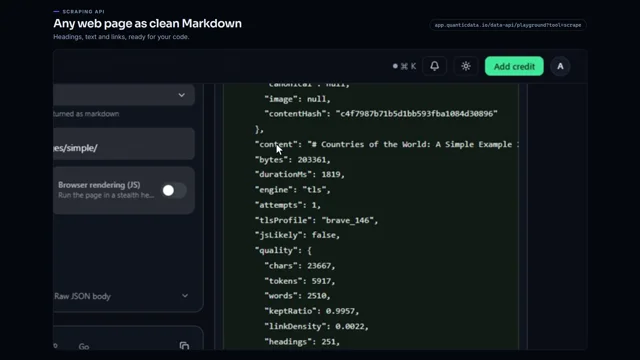 0:56Any web page to clean MarkdownWatch the video
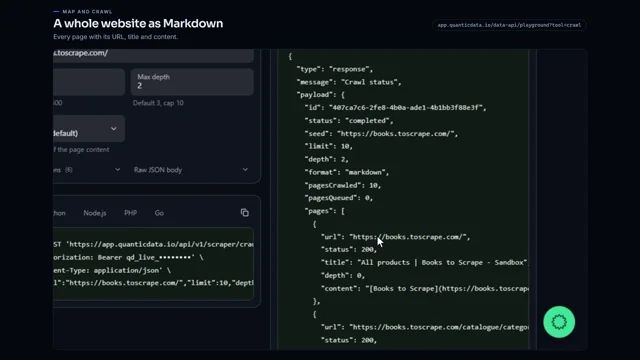 0:53Crawl a whole website to MarkdownWatch the video
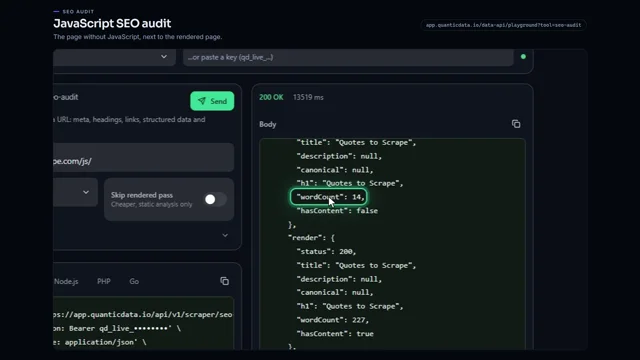 0:56JavaScript SEO audit of a pageWatch the video
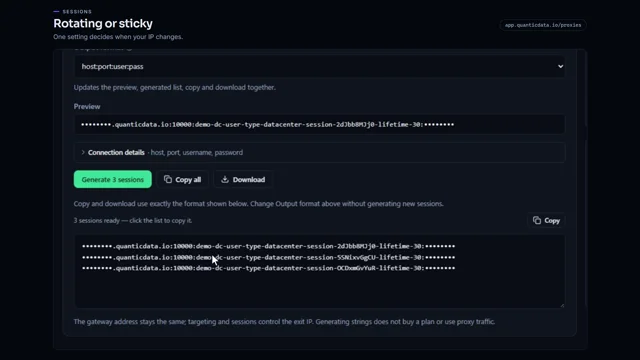 0:54Rotating vs sticky proxiesWatch the video
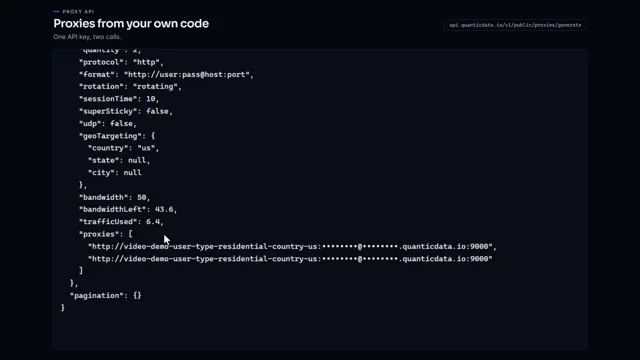 0:51Generate proxies from your code with one API keyWatch the video
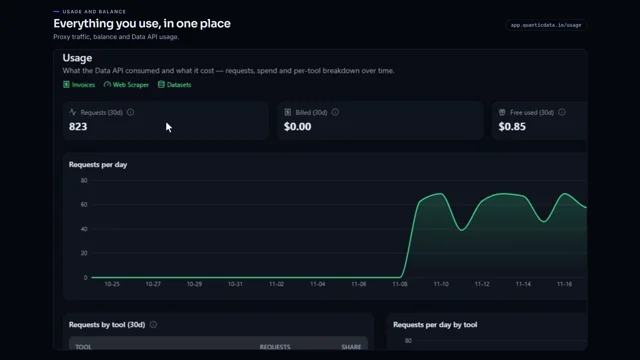 0:55Check your proxy traffic, balance and API usageWatch the video