JavaScript SEO audit of a page: video guide
A 0:56 screen recording with voice and captions of SEO Audit in the QuanticData Playground: audit a sample page written by JavaScript, compare the word count of the plain view and of the rendered view, read the diff field that says the content is only in JavaScript, then audit a server-rendered page where the two views match.
The SEO audit API in writing, with every field it returns and the price: SEO audit API: no-JS vs rendered, diffed.
Chapters
Transcript
The captions of the video, line by line. Click a time to jump there.
- 0:00Fourteen words without JavaScript, more than two hundred rendered.
- 0:03One request shows both views.
- 0:07In the Playground, pick SEO Audit.
- 0:10Type the page to audit. This sample page is written by JavaScript.
- 0:14Click Send.
- 0:16The page is fetched twice: as a plain bot, and rendered in a browser.
- 0:20Without JavaScript, it has only fourteen words.
- 0:24Rendered, it has more than two hundred.
- 0:27The diff says it in one field: content only in JS is true.
- 0:31Now audit a server-rendered page.
- 0:35Here the two views match, and the diff is all false.
- 0:39To check the plain view only, switch on Skip rendered pass.
- 0:43The same call is ready in Python, with your own key.
- 0:48See what the SEO audit API returns at quanticdata.io/seo-audit.
Where to go next
One key for every web data API
Scrape, crawl, map, search and audit pages with one API key: try each call in the Playground, then copy it as cURL, Python, Node.js, PHP or Go.
More video guides
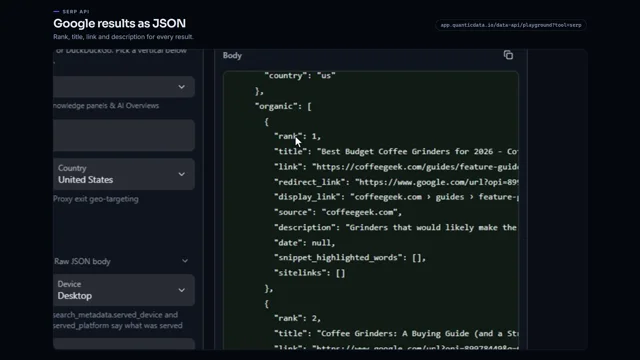 0:53Google search results as JSONWatch the video
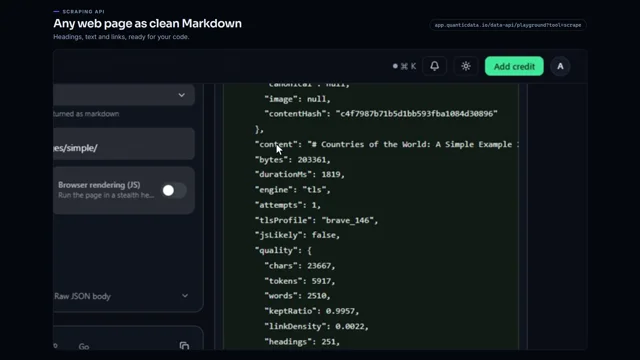 0:56Any web page to clean MarkdownWatch the video
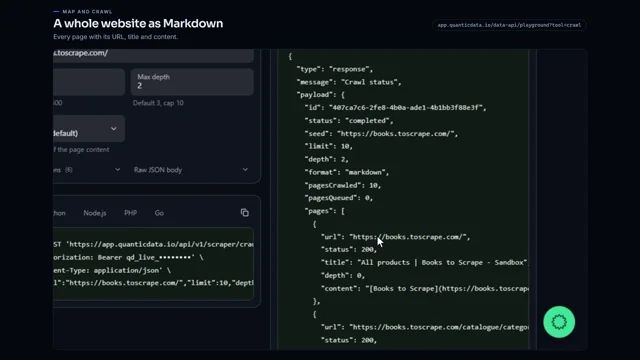 0:53Crawl a whole website to MarkdownWatch the video
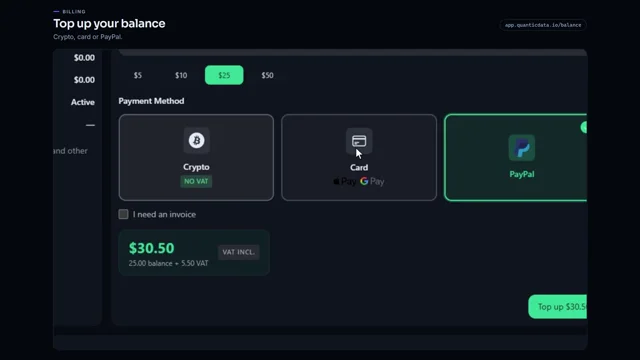 0:54Add credit to your balanceWatch the video
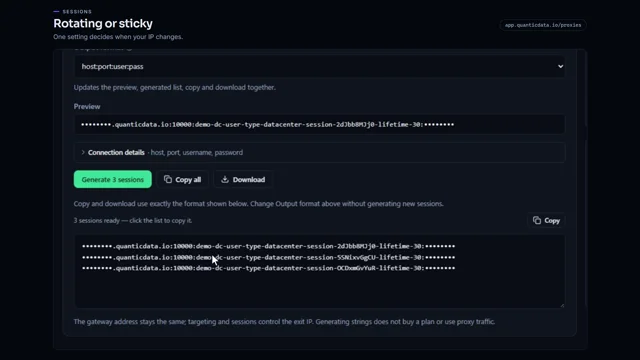 0:54Rotating vs sticky proxiesWatch the video
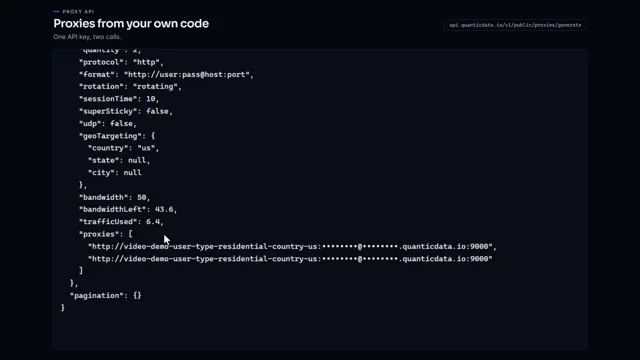 0:51Generate proxies from your code with one API keyWatch the video