Rotating vs sticky proxies: video guide
A 0:54 screen recording with voice and captions of the Session setting in the QuanticData endpoint generator: Rotating gives every request a fresh IP, Sticky adds a session id to the username and keeps the IP for the minutes you set, each generated line is a separate session, and a cURL command tests it.
Rotating proxies in writing, with the networks and the prices: Rotating proxies: how the rotation works and the price per GB.
Chapters
Transcript
The captions of the video, line by line. Click a time to jump there.
- 0:00Rotating or sticky? Here is what each session type does, and where to set it.
- 0:05Open your plan from My proxies.
- 0:08In the endpoint generator, Session decides when your IP changes.
- 0:12Rotating is the default: every request leaves from a fresh IP.
- 0:16Generate three lines.
- 0:19They are identical on purpose: the IP changes on every request.
- 0:23Now switch to Sticky.
- 0:25The username gains a session id.
- 0:28Set how many minutes a session keeps its IP.
- 0:31Generate again.
- 0:33Now every line is a separate session, with its own IP.
- 0:38Use them for a login, a cart or a checkout.
- 0:41To test a session yourself, set the format to cURL command,
- 0:44and run the same line twice.
- 0:48More on rotating proxies at quanticdata.io/rotating-proxies.
Where to go next
Rotating or sticky, from one endpoint
Residential, mobile and datacenter proxies with country targeting, rotating or sticky sessions, HTTP or SOCKS5, built in the endpoint generator or over the API.
More video guides
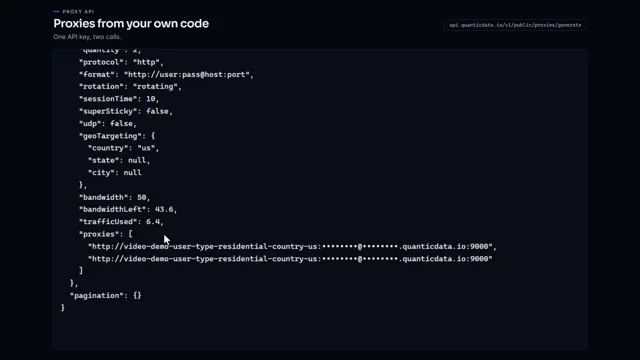 0:51Generate proxies from your code with one API keyWatch the video
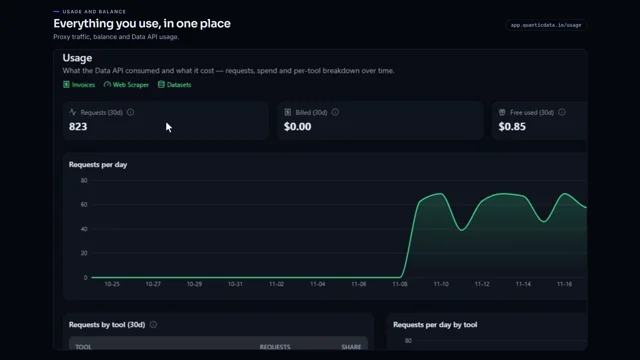 0:55Check your proxy traffic, balance and API usageWatch the video
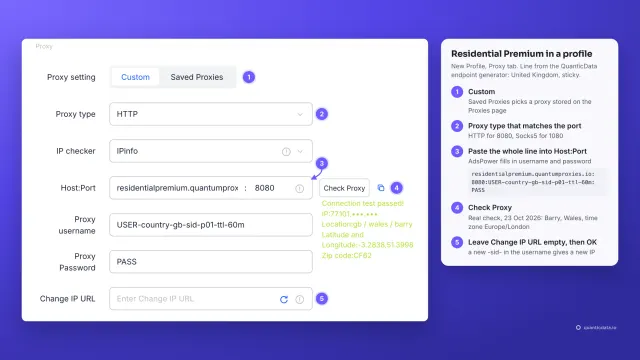 1:34How to add a proxy to AdsPowerWatch the video
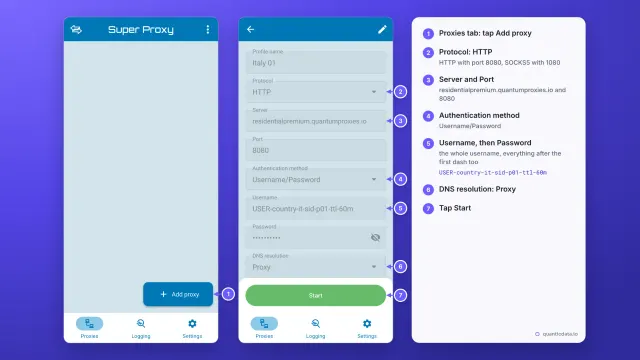 1:33How to set up a proxy on AndroidWatch the video
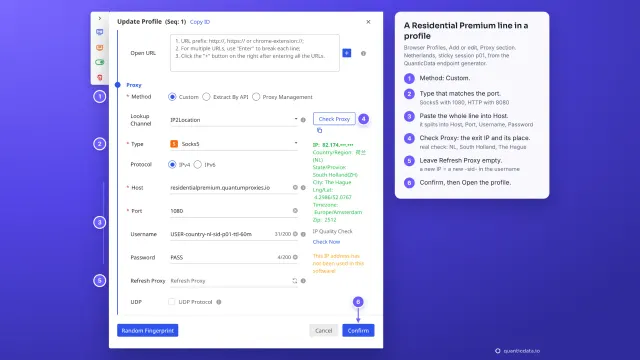 1:35How to add a proxy to BitBrowserWatch the video
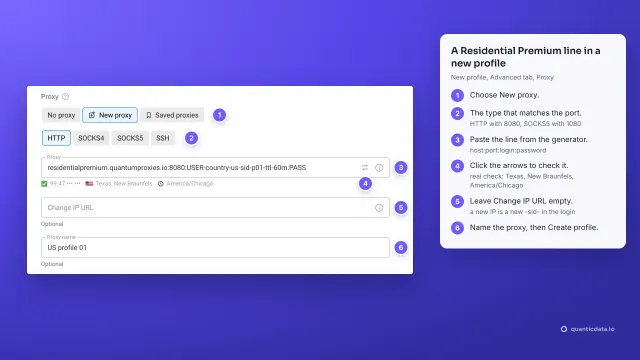 1:37How to add a proxy to Dolphin AntyWatch the video