Google Maps reviews to a CSV file: video guide
A 0:56 screen recording with voice and captions of the Place reviews collector in the QuanticData dashboard: find the collector, see its inputs and the 20 fields of every review, type a place name and a location, sort by newest and ask for 50 reviews, run it on Katz's Delicatessen in New York, download the CSV and find the run in History.
The collector in writing, with every input and output field: Google reviews scraper API: the inputs, the output fields and the price.
Chapters
Transcript
The captions of the video, line by line. Click a time to jump there.
- 0:00The newest Google reviews of a place, with stars, date and text, in one CSV file.
- 0:05Here is how.
- 0:07Open Collectors and search for reviews.
- 0:10Place reviews needs one place: a name and a location.
- 0:14Every review comes back as one row, with twenty fields.
- 0:18On the Run tab, type the place: Katz's Delicatessen.
- 0:22Then the location: New York.
- 0:25Sort by newest, and ask for fifty reviews.
- 0:28Click Run collector.
- 0:32Here are the reviews: stars, date and the full text.
- 0:36Click CSV to download the same rows as a file.
- 0:40One line per review, ready for a spreadsheet.
- 0:43Every run stays in History, so you can open it again.
- 0:48Place reviews is one of more than a hundred collectors.
- 0:52See them all at quanticdata.io/collectors.
Where to go next
Web data as rows you can download
More than 100 ready-made collectors return typed rows for a keyword, a place or a list of pages, from the dashboard or over the API with one key.
More video guides
 0:55Download the transcript of a YouTube videoWatch the video
 0:51Keyword ideas to a JSON or CSV fileWatch the video
 0:58Google Maps places to a CSV fileWatch the video
 0:53Crawl a whole website to MarkdownWatch the video
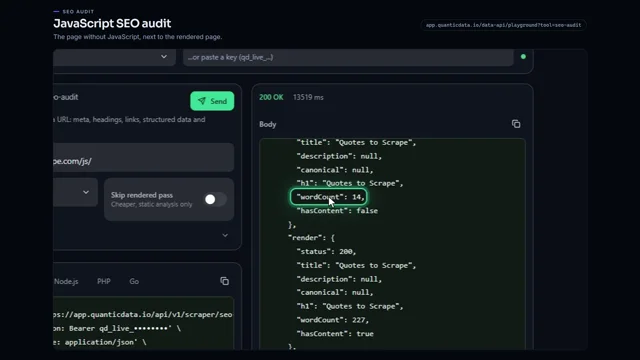 0:56JavaScript SEO audit of a pageWatch the video
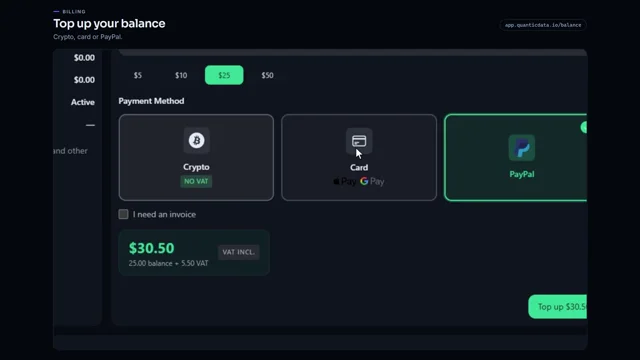 0:54Add credit to your balanceWatch the video