Google Maps places to a CSV file: video guide
A 0:58 screen recording with voice and captions of the Google Maps places collector in the QuanticData dashboard: find the collector, see its two inputs and the 21 fields of every row, type a keyword, a location and how many places you want, run it on 20 bakeries in Boston, download the CSV and find the run in History.
The collector in writing, with every input and output field: Google Maps scraper API: the inputs, the output fields and the price.
Chapters
Transcript
The captions of the video, line by line. Click a time to jump there.
- 0:00Twenty bakeries in Boston, with phone, website and rating, in one CSV file.
- 0:04Here is how.
- 0:07Open Collectors and search for Google Maps.
- 0:11It needs two things: a keyword and a location.
- 0:14Every place comes back as one row, with twenty-one fields.
- 0:19On the Run tab, type the keyword: bakeries.
- 0:22Then the location: Boston, Massachusetts.
- 0:26And how many places you want. Twenty.
- 0:29Click Run collector.
- 0:33Here are the places: name, rating, reviews, address, phone and website.
- 0:38Click CSV to download the same rows as a file.
- 0:42One line per place, ready for a spreadsheet.
- 0:45Every run stays in History, so you can open it again.
- 0:50Google Maps places is one of more than a hundred collectors.
- 0:54See them all at quanticdata.io/collectors.
Where to go next
Web data as rows you can download
More than 100 ready-made collectors return typed rows for a keyword, a place or a list of pages, from the dashboard or over the API with one key.
More video guides
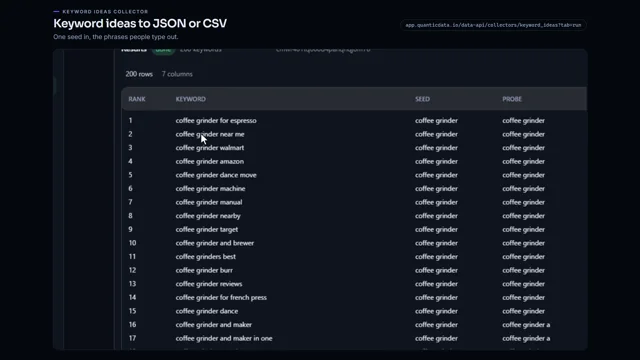 0:51Keyword ideas to a JSON or CSV fileWatch the video
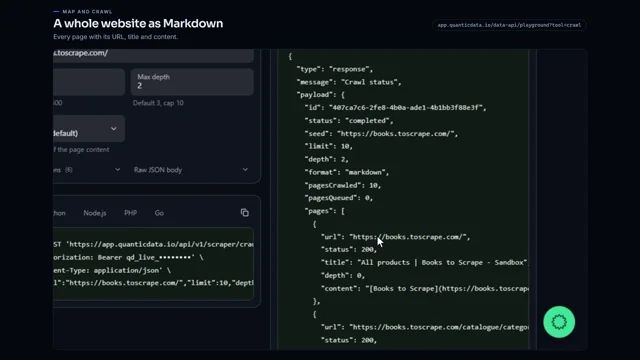 0:53Crawl a whole website to MarkdownWatch the video
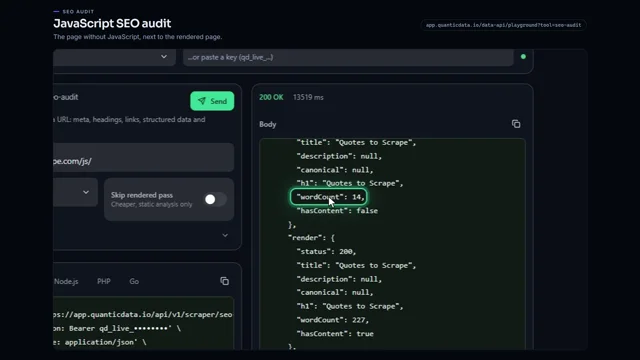 0:56JavaScript SEO audit of a pageWatch the video
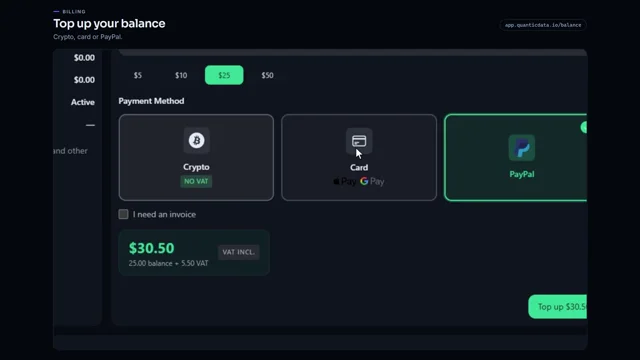 0:54Add credit to your balanceWatch the video
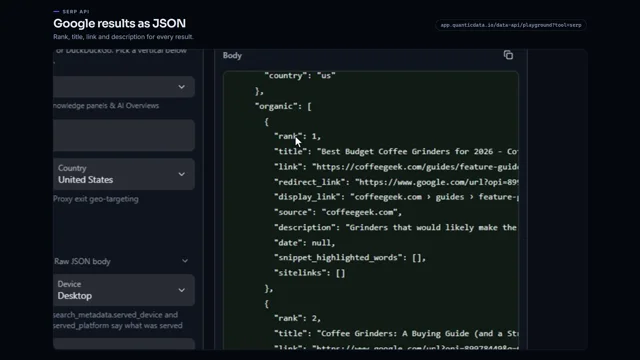 0:53Google search results as JSONWatch the video
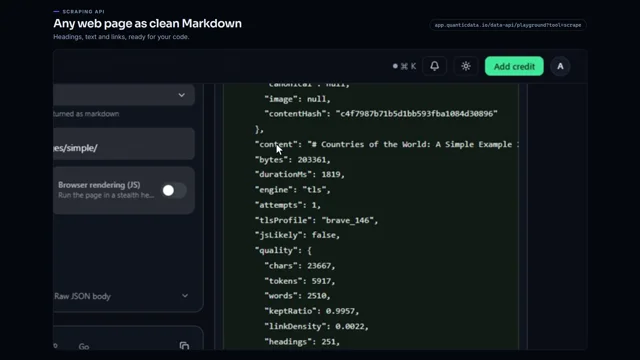 0:56Any web page to clean MarkdownWatch the video