Crawl a whole website to Markdown: video guide
A 0:53 screen recording with voice and captions of Map and Crawl in the QuanticData Playground: list the URLs of a public sample bookshop with a count for each section, start a crawl of ten pages at depth two as a background job, check the job, read each page as Markdown and copy the same call in Python.
The crawl and map API in writing, with the options and the price: Website crawler API: crawl, map and the price per page.
Chapters
Transcript
The captions of the video, line by line. Click a time to jump there.
- 0:00A whole website as clean Markdown, page by page. Here is how.
- 0:06In the Playground, start with Map.
- 0:09Type the site, here a public sample bookshop.
- 0:12Click Send.
- 0:14The answer lists the URLs of the site, with a count for each section.
- 0:19Now switch to Crawl, and give the same start URL.
- 0:23Set the maximum pages, here ten.
- 0:26And the depth, here two.
- 0:29Click Send: the crawl starts as a background job.
- 0:32Click Check job: completed, ten pages crawled.
- 0:36Each page comes back with its URL, its title and its Markdown.
- 0:42The same call is ready in Python, with your own key.
- 0:46Map and crawl work from the API too. Read the docs at quanticdata.io/docs.
Where to go next
One key for every web data API
Scrape, crawl, map, search and audit pages with one API key: try each call in the Playground, then copy it as cURL, Python, Node.js, PHP or Go.
More video guides
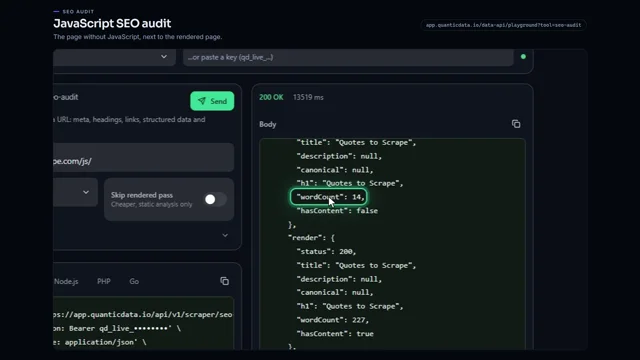 0:56JavaScript SEO audit of a pageWatch the video
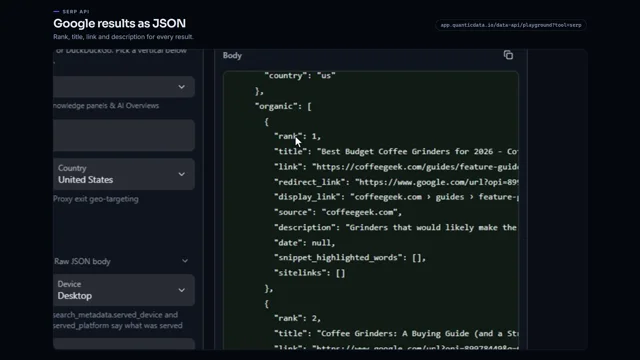 0:53Google search results as JSONWatch the video
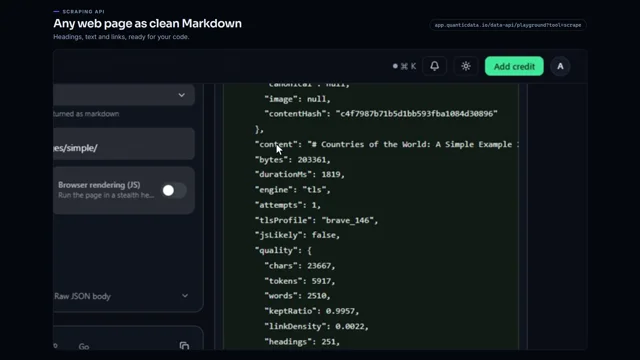 0:56Any web page to clean MarkdownWatch the video
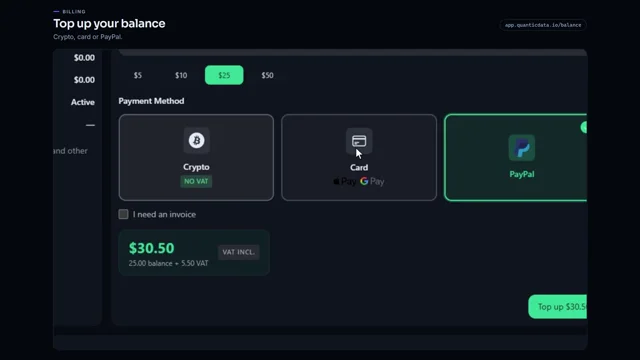 0:54Add credit to your balanceWatch the video
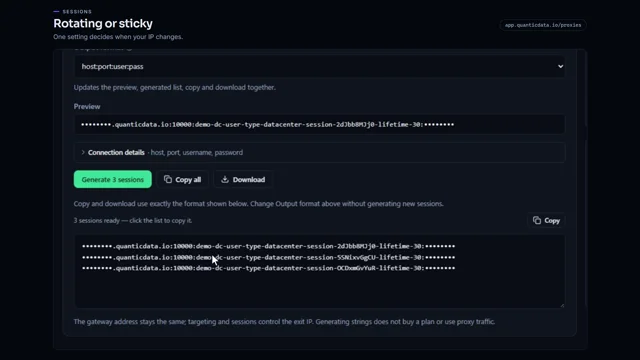 0:54Rotating vs sticky proxiesWatch the video
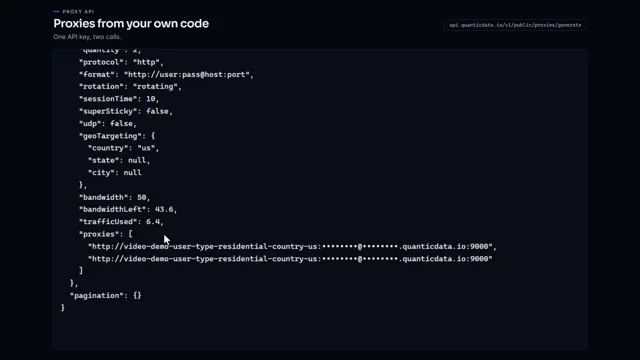 0:51Generate proxies from your code with one API keyWatch the video