Add credit to your balance: video guide
A 0:54 screen recording with voice and captions of the Add credit page in the QuanticData dashboard: a prepaid balance that never expires, quick amounts from five dollars up, the total with crypto, a card or PayPal before you pay, automatic top-ups, the pay as you go plan, a low-balance alert and a monthly budget.
Every price in writing: Pricing: APIs per result, proxies per GB.
Chapters
Transcript
The captions of the video, line by line. Click a time to jump there.
- 0:00Add credit to your balance, with crypto, card or PayPal. Here is how.
- 0:05Click Add credit.
- 0:08Your balance is prepaid, and it never expires.
- 0:12Pick a quick amount, or type your own, from five dollars up.
- 0:16With crypto, twenty-five dollars of balance costs twenty-five dollars: no VAT.
- 0:21With a card, the total includes Italian VAT at twenty-two percent.
- 0:26PayPal works the same way.
- 0:28The Top up button shows the total. This demo stops here, before paying.
- 0:33Automatic top-ups are off by default.
- 0:36In Billing, the plan is pay as you go: no monthly fee.
- 0:40Spend controls can alert you when the balance runs low.
- 0:43And a monthly budget can stop billable calls.
- 0:47Failed requests are never billed. All prices are at quanticdata.io/pricing.
Where to go next
One balance for proxies and web data
A prepaid balance pays for proxy plans and API usage, a failed request is never billed, and all prices are published on the pricing page.
More video guides
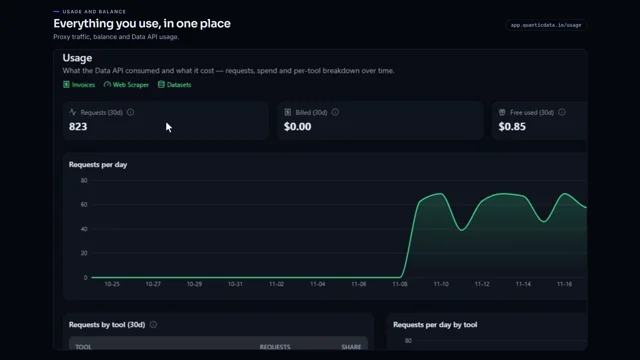 0:55Check your proxy traffic, balance and API usageWatch the video
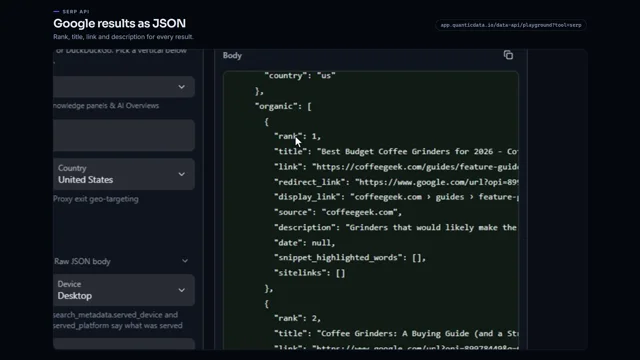 0:53Google search results as JSONWatch the video
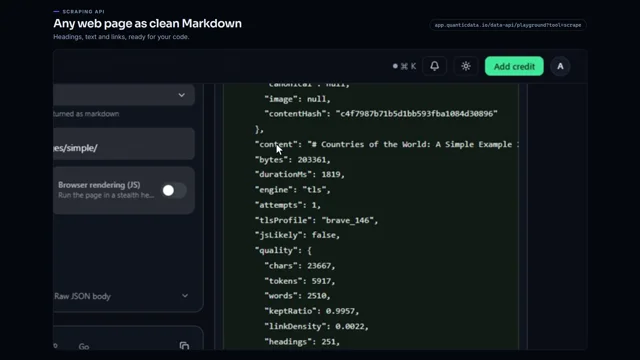 0:56Any web page to clean MarkdownWatch the video
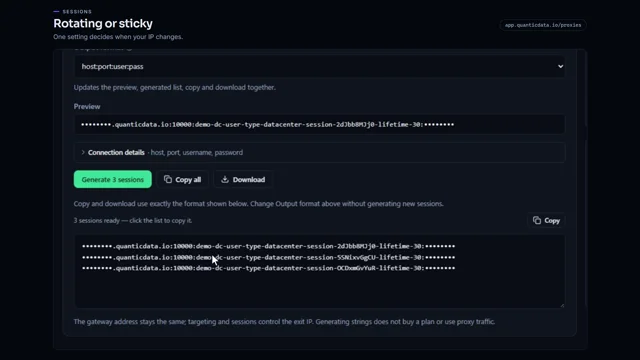 0:54Rotating vs sticky proxiesWatch the video
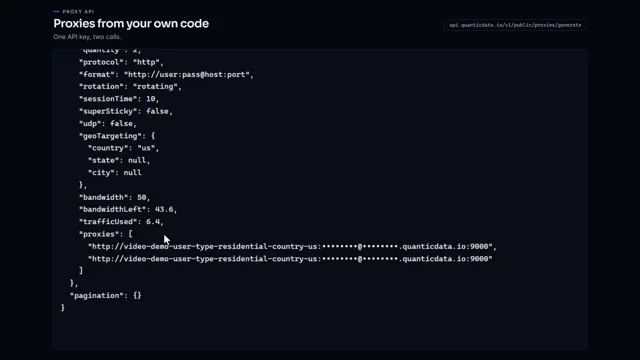 0:51Generate proxies from your code with one API keyWatch the video
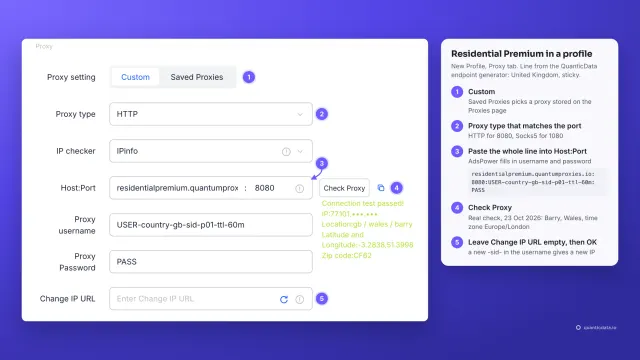 1:34How to add a proxy to AdsPowerWatch the video