How to add a proxy to Proxifier: video guide
A 1:35 screen recording with captions: add a QuanticData proxy in Proxifier with HTTPS on port 8080 or SOCKS5 on port 1080, test it in Proxy Checker, send one app through it with a rule, resolve DNS through the proxy and read the three log errors that mean a wrong setting.
The same steps in writing, with every field and error: Proxifier proxy setup guide, written step by step.
Chapters
Transcript
The captions of the video, line by line. Click a time to jump there.
- 0:00Open My proxies, then click your plan.
- 0:03In the Endpoint generator, choose the Country.
- 0:08Set Session to Sticky, with a TTL as long as the apps stay open.
- 0:13Protocol: HTTP uses port 8080, SOCKS5 uses port 1080.
- 0:17Open Connection details: Proxifier asks for each value in its own field.
- 0:23Copy the username whole: after the first dash come the targeting and the session.
- 0:29In Proxifier: Profile, Proxy Servers, Add...
- 0:31Address and Port: the host and 8080.
- 0:33Protocol: HTTPS for 8080, SOCKS Version 5 for 1080.
- 0:36Enable, then Username and Password.
- 0:38Check: Proxy Checker tests the login.
- 0:40OK, then Yes for every app, No for a rule.
- 0:43Check it in Proxy Checker.
- 0:45Test 1: the proxy answers.
- 0:47Authentication was successful.
- 0:49Proxy is ready to work with Proxifier!
- 0:51Then load ipinfo.io/json in the app: the exit is in the country you chose.
- 0:55Only one app through the proxy: add a rule.
- 0:57Name: any label, for example Chrome.
- 0:59Applications: the program file, chrome.exe.
- 1:02Target hosts and ports: leave Any.
- 1:04Action: the QuanticData proxy.
- 1:06OK, then move the rule above Default.
- 1:08DNS through the proxy: Profile, Name Resolution.
- 1:11Untick Detect DNS settings automatically.
- 1:13Tick Resolve hostnames through proxy.
- 1:15OK.
- 1:18If it fails, the log says why.
- 1:20Proxy closed the connection: protocol and port do not match.
- 1:23Could not resolve, error 11001: a typo in Address.
- 1:26Error 10060: timed out, SOCKS5 sent to 8080 or a blocked port.
- 1:29Open through proxy: it works.
Where to go next
A sticky IP for every profile
Residential Premium, ISP and mobile proxies with country targeting and sticky sessions, over HTTP or SOCKS5, copied from the Endpoint generator into the app you use.
More video guides
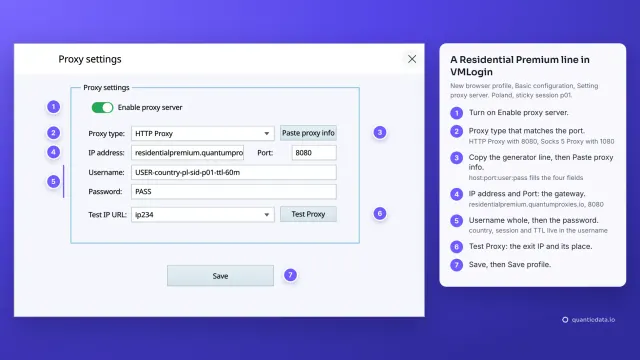 1:38How to add a proxy to VMLoginWatch the video
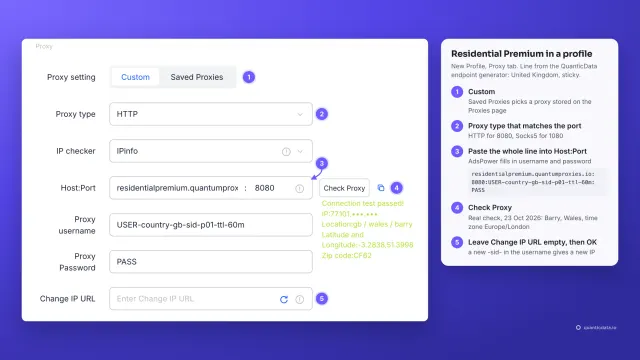 1:34How to add a proxy to AdsPowerWatch the video
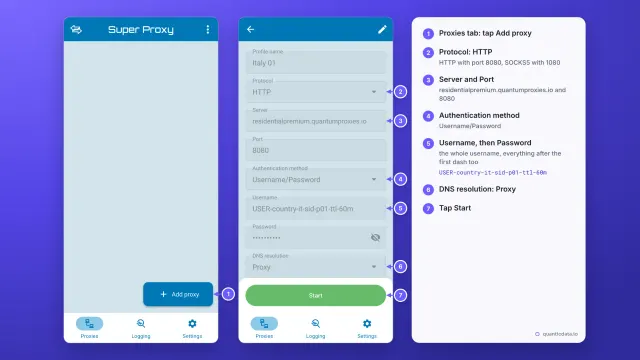 1:33How to set up a proxy on AndroidWatch the video
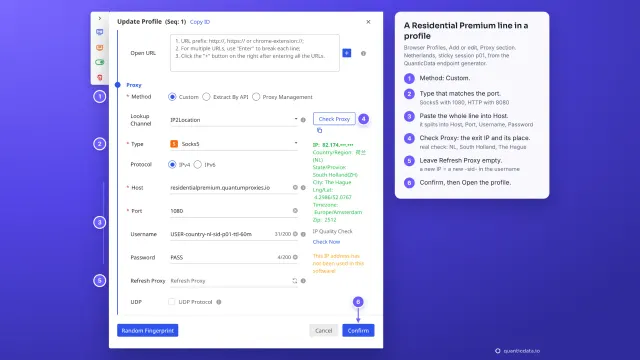 1:35How to add a proxy to BitBrowserWatch the video
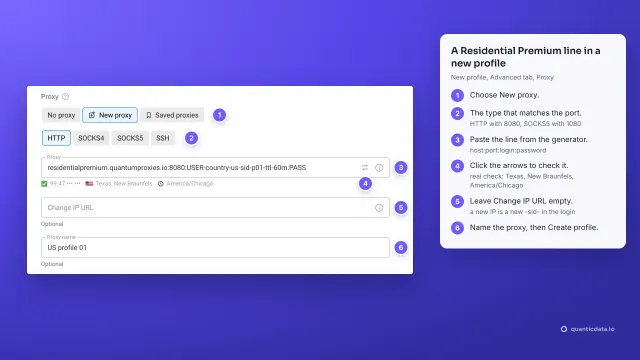 1:37How to add a proxy to Dolphin AntyWatch the video
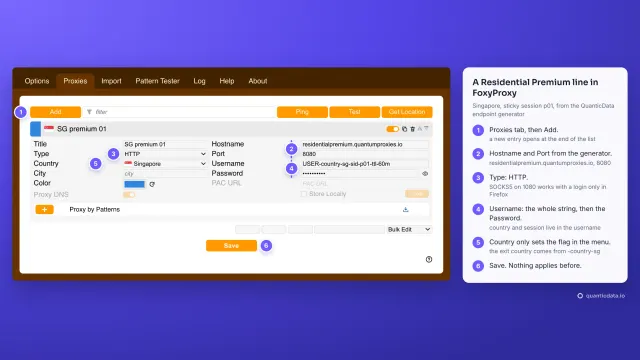 1:40How to add a proxy to FoxyProxyWatch the video