How to get a list of Italian businesses: video guide
A 1:54 screen recording with captions: pick a list of Italian businesses on the QuanticData datasets page, download the free 20-row sample from the dashboard, order the full list for a province paying only the rows delivered, or ask for a region, all of Italy or a custom list.
The same steps in writing, with every field and error: Ready-made datasets: every list, its fields and the free sample.
Chapters
Transcript
The captions of the video, line by line. Click a time to jump there.
- 0:00Ready-made lists of Italian businesses: how to get the free sample,
- 0:03order the full list, or ask for a custom one.
- 0:06Every list on this page is one sector in Italy,
- 0:09for one province or for the municipalities you pick.
- 0:12Here, dentists.
- 0:16Each list page shows what one real run returned,
- 0:19the columns you get, and the first rows of the free sample, masked.
- 0:22Every row carries its source and the date we read it.
- 0:25One province costs eight euro cents a row, plus VAT.
- 0:29Click Download 20 free sample rows.
- 0:31With a free account, no card needed, the list opens in your dashboard.
- 0:35The sample rows are masked on screen and complete in the download.
- 0:39Click Download the free sample,
- 0:40check the professional-use box once, and take it as Excel or CSV.
- 0:51For the full list, choose the province,
- 0:53or only some municipalities, and the fields every row must have.
- 0:56Rows without them are not delivered and not paid.
- 1:01The spend cap is held on your balance when you order.
- 1:03At the end you pay only the rows delivered, and the rest goes back.
- 1:06With an empty balance, top up first, then come back and order.
- 1:09We'll stop here, before paying.
- 1:12Need a whole region, or all of Italy?
- 1:14Choose Another area and send the request: our team quotes it and replies by email.
- 1:18Nothing is charged here.
- 1:25Or use the form on any list page: the area,
- 1:28the fields and how many businesses you need.
- 1:30A person on the team replies by email.
- 1:48Find every list at quanticdata.io/datasets.
Where to go next
See the data before you pay
Every ready-made list has a free 20-row sample in the dashboard, and the full list is paid only for the rows delivered.
More video guides
 1:40How to buy a list of Italian businesses in the dashboardWatch the video
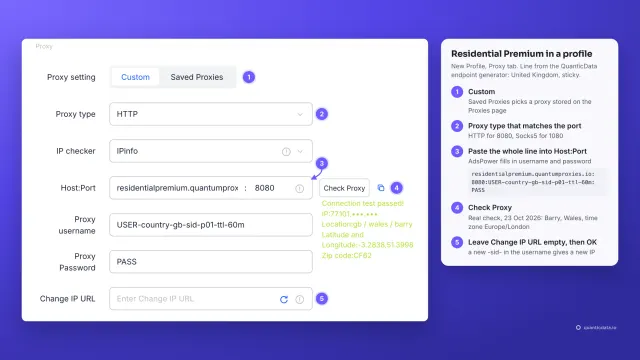 1:34How to add a proxy to AdsPowerWatch the video
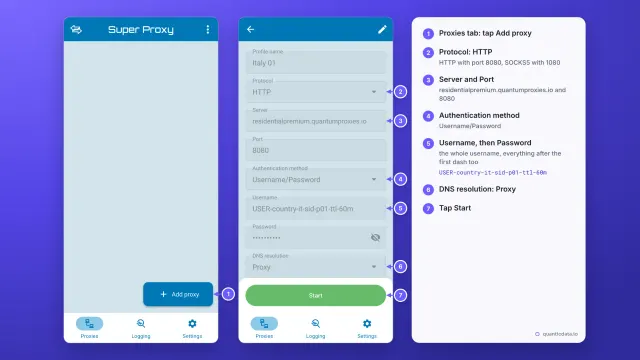 1:33How to set up a proxy on AndroidWatch the video
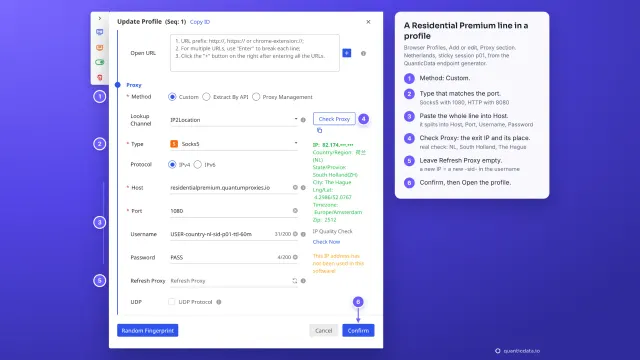 1:35How to add a proxy to BitBrowserWatch the video
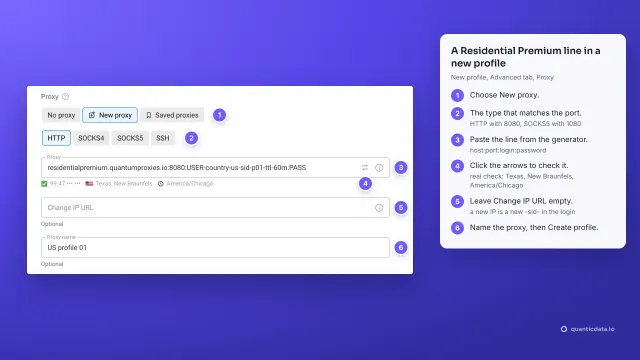 1:37How to add a proxy to Dolphin AntyWatch the video
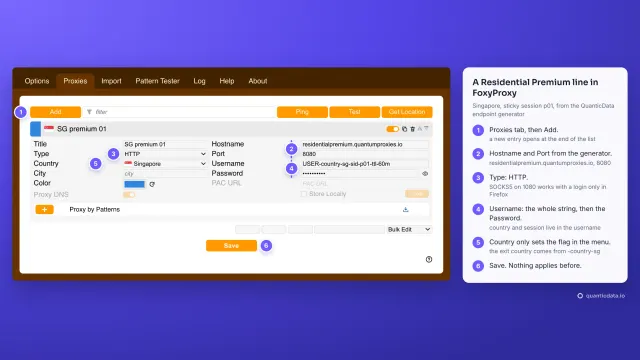 1:40How to add a proxy to FoxyProxyWatch the video