How to buy a list of Italian businesses in the dashboard: video guide
A 1:40 screen recording with captions of the Datasets section in the QuanticData dashboard: open a ready-made list of Italian businesses, check its masked preview and every field, choose the area and the fields, pay from your balance and download the file as Excel or CSV from My lists.
The same steps in writing, with every field and error: Ready-made datasets: every list, its fields and the free sample.
Chapters
Transcript
The captions of the video, line by line. Click a time to jump there.
- 0:00Buy a ready-made list in your dashboard:
- 0:02see the data first, pay, and download the file.
- 0:06In your dashboard, open Datasets.
- 0:07Every ready-made list shows how many businesses one real run found,
- 0:10and how many have a phone and a website.
- 0:14Open a list to see its preview: real rows from the sample city, masked on screen.
- 0:20What each row contains lists every column of the file: name, address,
- 0:24phone, website and email, with the source and the date of every value.
- 0:32Choose the province, or only some municipalities,
- 0:34and the fields every row must have.
- 0:36Rows without them are not delivered and not paid.
- 0:43You pay from your balance. If it's short, top up by card, PayPal or crypto.
- 0:48Card and PayPal include VAT. We stop here, before paying.
- 0:58With credit on your balance, click Order the list.
- 1:00The first time, add your company details and how you will use the data.
- 1:16The spend cap is held on your balance.
- 1:18At the end you pay only the rows delivered,
- 1:20and the rest goes back automatically.
- 1:23Your list arrives in My lists. When it's ready, download it as Excel or CSV.
- 1:27For thirty days you can report a wrong field.
- 1:34Find every list in Datasets, in your dashboard at app.quanticdata.io.
Where to go next
See the data before you pay
Every ready-made list has a free 20-row sample in the dashboard, and the full list is paid only for the rows delivered.
More video guides
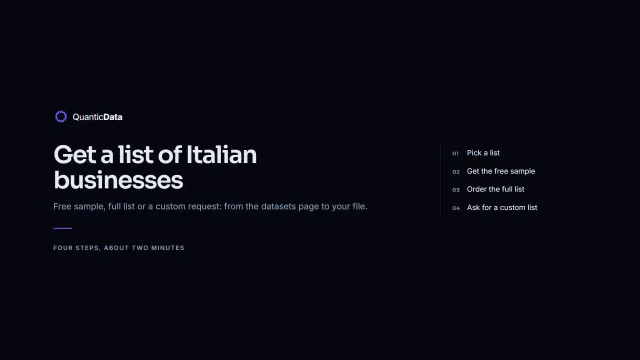 1:54How to get a list of Italian businessesWatch the video
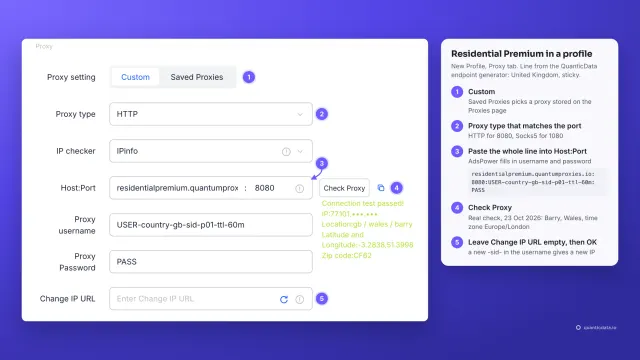 1:34How to add a proxy to AdsPowerWatch the video
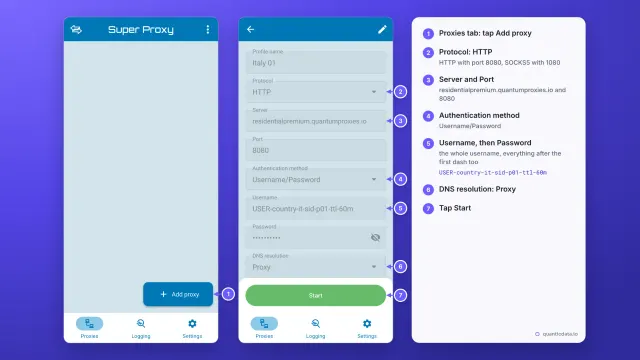 1:33How to set up a proxy on AndroidWatch the video
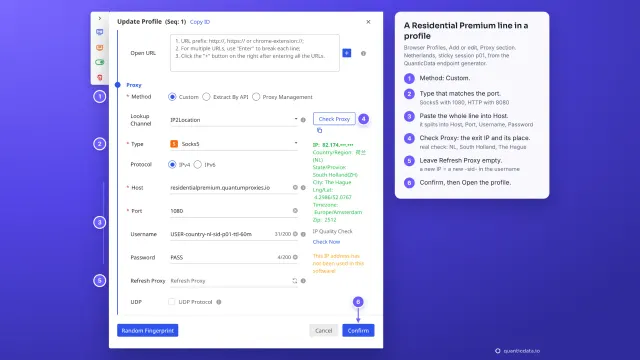 1:35How to add a proxy to BitBrowserWatch the video
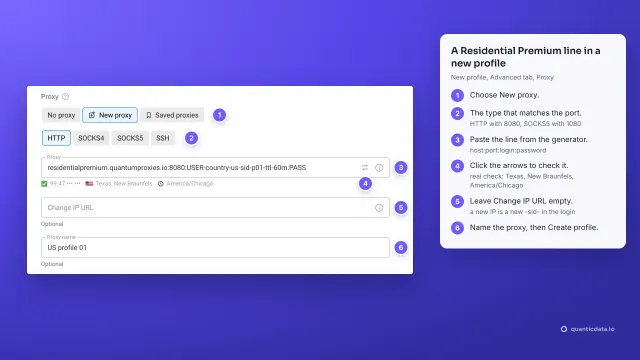 1:37How to add a proxy to Dolphin AntyWatch the video
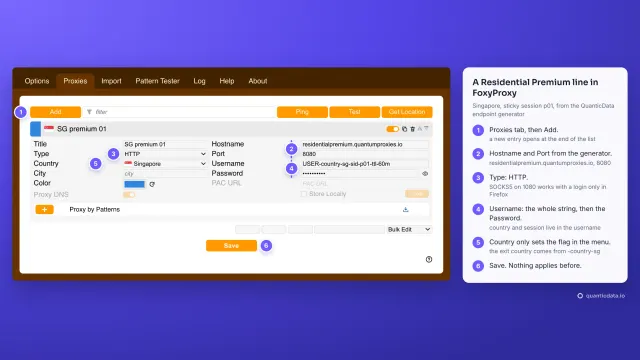 1:40How to add a proxy to FoxyProxyWatch the video