How to add a proxy to FoxyProxy: video guide
A 1:40 screen recording with captions: create a FoxyProxy entry from the QuanticData Endpoint generator values, turn it on from the toolbar, check the exit on ipinfo.io, import ISP IPs as a list, send only some sites through the proxy with patterns, and fix SOCKS5 in Chrome, which drops the login.
The same steps in writing, with every field and error: FoxyProxy proxy setup guide, written step by step.
Chapters
Transcript
The captions of the video, line by line. Click a time to jump there.
- 0:00Open My proxies, then click your plan.
- 0:03In the Endpoint generator, choose the Country.
- 0:08Set Session to Sticky, with a TTL as long as you will browse.
- 0:12Choose HTTP: it uses port 8080.
- 0:16Open Connection details: the four fields FoxyProxy asks for.
- 0:21Copy the username whole: after the first dash come the targeting and the session.
- 0:26Generate makes ten sticky lines by default, each with its own session.
- 0:29Copy all or Download takes them out. Use one line at a time in the entry.
- 0:33In FoxyProxy: Options, the Proxies tab.
- 0:36Proxies tab, then Add: a new entry at the end of the list.
- 0:38Hostname and Port from the generator.
- 0:40Type: HTTP.
- 0:42Username: the whole string, then the Password.
- 0:44Country only sets the flag in the menu.
- 0:46Save. Nothing applies before.
- 0:48Turn it on from the toolbar.
- 0:50Click SG premium 01: every site goes through it.
- 0:52Disable: FoxyProxy off.
- 0:54Proxy by Patterns: only the sites in the patterns.
- 0:56IP: the exit IP, city and country.
- 0:58Check in a tab: ipinfo.io/json shows Singapore.
- 1:01ISP plans: fixed IPs, one entry each.
- 1:03Import tab, Import Proxy List: paste the lines.
- 1:05Import: each IP becomes an entry.
- 1:07Hostname is the IP, Port 50100.
- 1:09Username and Password are filled in.
- 1:10Add a title, then Save.
- 1:13Only some sites through the proxy: patterns.
- 1:15The plus next to Proxy by Patterns adds a row.
- 1:17Include, Wildcard: * is any text.
- 1:19Reg Exp for exact rules.
- 1:21Exclude skips this proxy for those URLs.
- 1:23Global Exclude: hosts never proxied.
- 1:24Save, then Proxy by Patterns in the menu.
- 1:27SOCKS5 in Chrome: no login, pages fail.
- 1:29Type SOCKS5 on Chrome greys out Username and Password.
- 1:31Fix: Type HTTP and Port 8080.
- 1:33Save, then select the proxy again.
Where to go next
A sticky IP for every profile
Residential Premium, ISP and mobile proxies with country targeting and sticky sessions, over HTTP or SOCKS5, copied from the Endpoint generator into the app you use.
More video guides
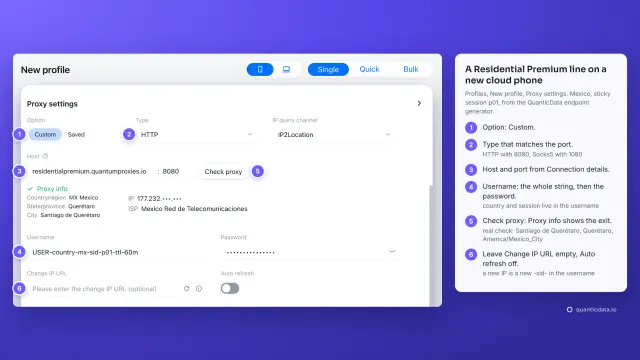 1:34How to add a proxy to GeeLarkWatch the video
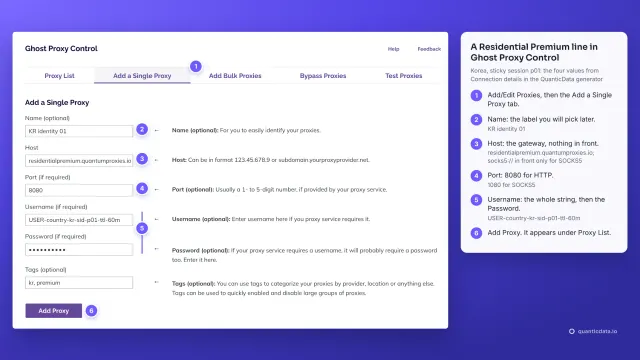 1:39How to add a proxy to Ghost BrowserWatch the video
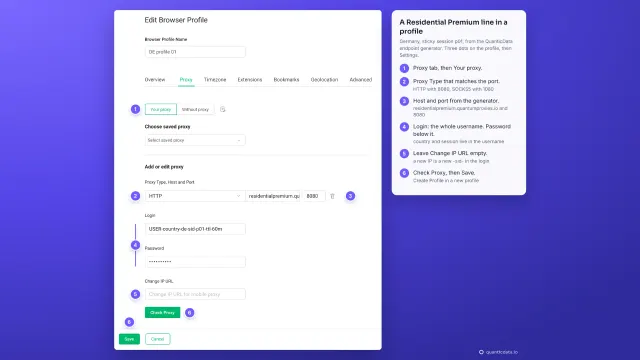 1:39How to add a proxy to GoLoginWatch the video
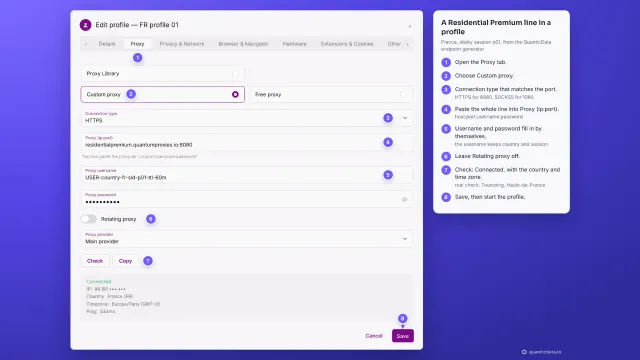 1:33How to add a proxy to IncognitonWatch the video
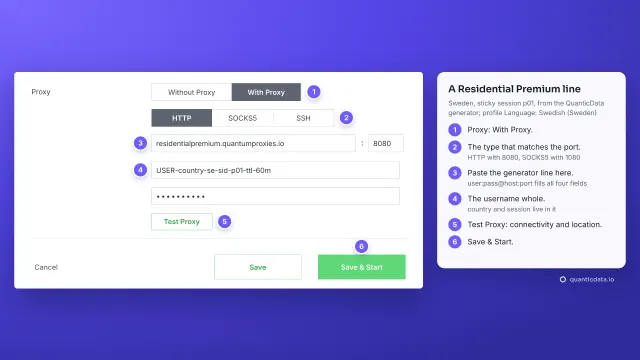 1:35How to add a proxy to KameleoWatch the video
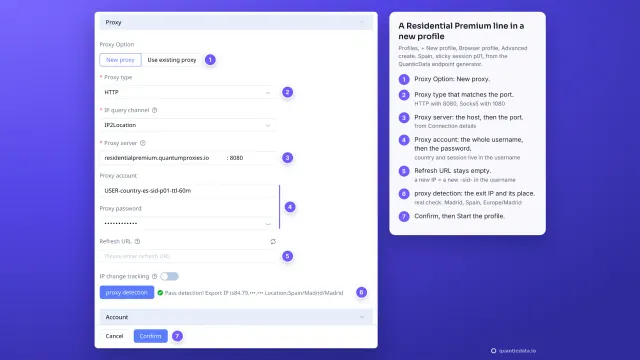 1:39How to add a proxy to MoreLoginWatch the video