How to add a proxy to AdsPower: video guide
A 1:34 screen recording with captions: generate a sticky proxy line in the QuanticData Endpoint generator, paste it into an AdsPower profile with the Custom proxy type that matches the port, run Check Proxy, add up to 500 proxies at once, give an ISP IP to a profile and read a failed connection test.
The same steps in writing, with every field and error: AdsPower proxy setup guide, written step by step.
Chapters
Transcript
The captions of the video, line by line. Click a time to jump there.
- 0:00Open My proxies, then click your plan.
- 0:03In the Endpoint generator, choose the Country.
- 0:09Set Session to Sticky, with a TTL as long as the profile stays open.
- 0:14Protocol: HTTP uses port 8080, SOCKS5 uses port 1080.
- 0:18Keep Output format on host:port:user:pass and copy the line from Preview.
- 0:24Generate makes as many lines as Quantity says, ten by default.
- 0:28One sticky line per profile: each has its own session ID.
- 0:32In AdsPower: New Profile, Proxy tab.
- 0:35Choose Custom.
- 0:37Proxy type matches the port: HTTP 8080, Socks5 1080.
- 0:41Paste the whole line into Host:Port.
- 0:44Check Proxy: Connection test passed!
- 0:46Leave Change IP URL empty, then OK.
- 0:49Many proxies at once: Proxies, then Add Proxy.
- 0:53Proxy type for lines without a prefix.
- 0:55Paste one line per profile, up to 500.
- 0:58Check proxy, then OK.
- 1:01ISP plans: one fixed IP per profile.
- 1:04Custom, Proxy type HTTP.
- 1:07Paste the line into Host:Port.
- 1:09Check Proxy: the IP is the one from Assigned IPs.
- 1:12Leave Change IP URL empty.
- 1:16Connection test failed! Check, in this order:
- 1:19The type matches the port: here Socks5 on 8080.
- 1:22The line copied whole, from the generator Preview.
- 1:25Then: the plan active with traffic left, no VPN or other proxy app running.
Where to go next
A sticky IP for every profile
Residential Premium, ISP and mobile proxies with country targeting and sticky sessions, over HTTP or SOCKS5, copied from the Endpoint generator into the app you use.
More video guides
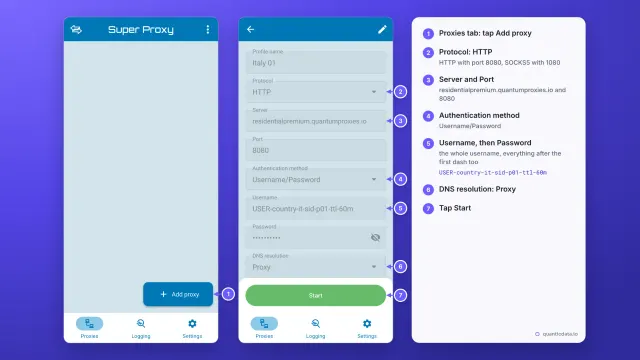 1:33How to set up a proxy on AndroidWatch the video
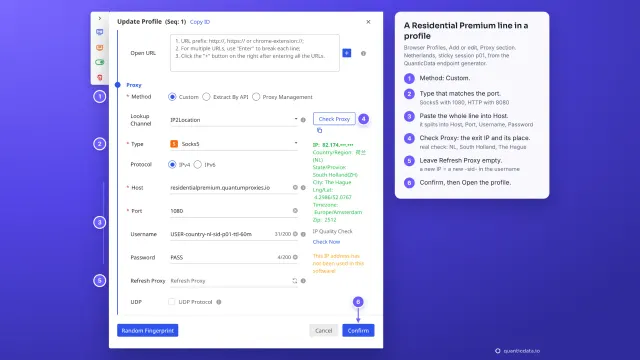 1:35How to add a proxy to BitBrowserWatch the video
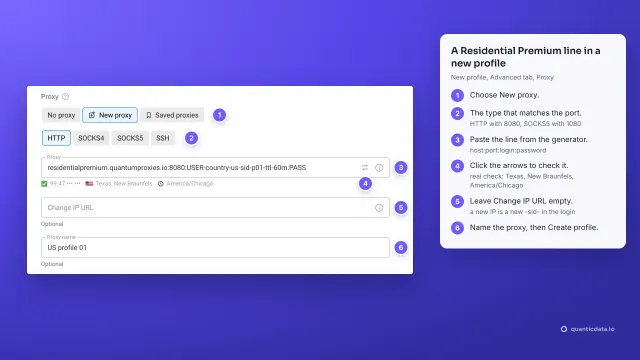 1:37How to add a proxy to Dolphin AntyWatch the video
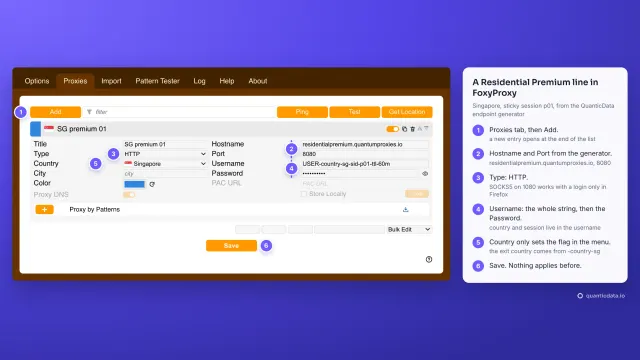 1:40How to add a proxy to FoxyProxyWatch the video
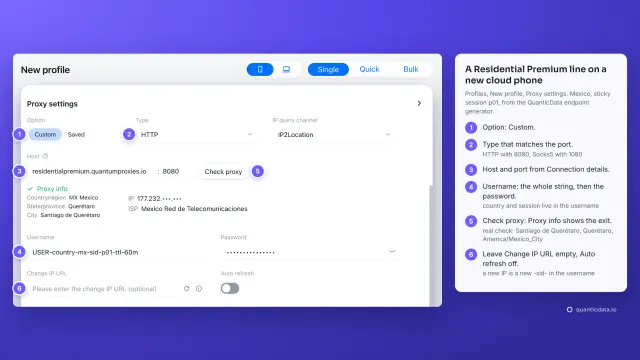 1:34How to add a proxy to GeeLarkWatch the video
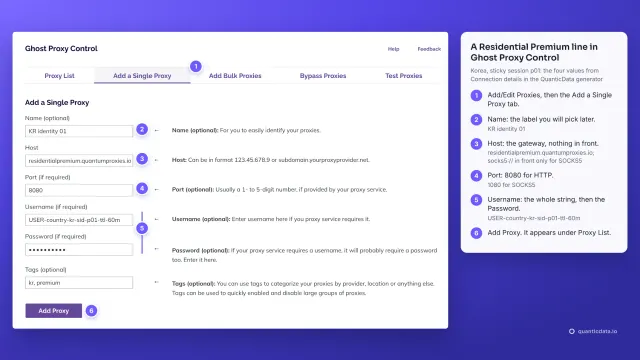 1:39How to add a proxy to Ghost BrowserWatch the video