Buyer guide · Before you pay
How to choose a proxy provider: eight checks before you pay
Choose a proxy provider by the job, not by the size of its pool. Start from what the target site checks, pick the proxy type that passes it, then verify eight things on the provider's own pages: locations, sessions, the real price per GB or per IP, what a trial covers, how failures are billed, sourcing, payment terms and support.
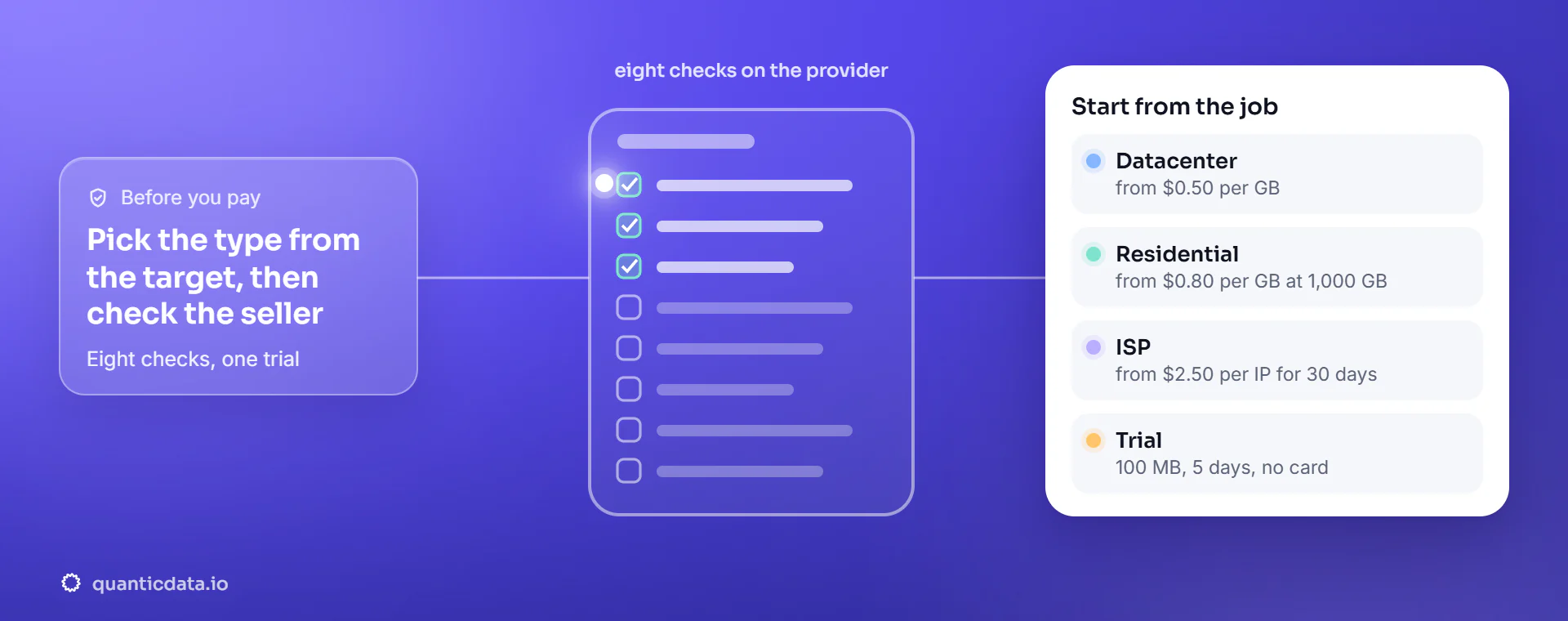
Step 1: the type comes from the target
Pick the network before you pick the seller.
| Your job | Type | Why | Starts at |
|---|---|---|---|
| Public pages at volume on sites that do not score the address | Datacenter | cheapest per GB, fast | $0.50 per GB |
| Shops, travel and search results that block hosting ranges | Residential | household IPs, rotating or sticky | $0.80 per GB at 1,000 GB |
| One account or checkout on one address for a month | ISP (static) | a dedicated IP that never changes | $2.50 per IP for 30 days |
| Apps and social platforms built for phones | Mobile 4G/5G | carrier IPs shared with real phones | $2.30 per GB at 500 GB |
| Large volume where the site accepts IPv6 | IPv6 | huge address space, lowest price per GB | $0.083 per GB at 3 TB |
If you are not sure what the site checks, the free trial and the proxy tester answer it in minutes; the longer comparison is in ISP vs residential proxies.
Step 2: eight checks on the provider
Each one can be verified before you pay.
| Check | Ask | A good answer |
|---|---|---|
| 1. Locations | Are the countries, cities and providers you need listed, and can you target them in the username? | a public list by country and city, with targeting syntax in the docs |
| 2. Sessions | How long can one IP be held, and can you rotate per request? | rotating per request and sticky sessions with a stated maximum (ours: 1,440 minutes) |
| 3. The real price | What does the plan you would actually buy cost per GB or per IP, including its validity? | a per-GB or per-IP figure on the price page, not only a "from" on the home page |
| 4. Trial | What does the trial cover, and does it need a card? | a trial on the network you will use, with the size and duration written down |
| 5. Billing on failure | Are blocked or failed requests billed? | clear rules: for data APIs, failed calls not billed; for proxies, traffic billed as it is measured |
| 6. Sourcing | Where do residential IPs come from? | consented households and a written explanation, not silence |
| 7. Payment terms | Subscription or one-off, identity checks, payment methods? | stated before checkout; at QuanticData packs are paid once, with no KYC |
| 8. Support | Who answers when a target stops working, and how fast? | a ticket or chat that reaches people who can read your logs |
Step 3: test on your own targets
Ten minutes that replace any review.
- Open the trial and generate a proxy line for the country you need.
- Request the three pages that matter most to you, once rotating and once sticky.
- Check that the exit is where you asked with the proxy location checker, and its reputation with the IP fraud score check.
- Measure the time to first byte and the share of pages that load complete. Only then compare prices.
At QuanticData the trial is 100 MB of Residential Basic for 5 days, with SMS verification and no card. On our own test of 13 September 2026, 50 of 50 residential exits landed in the requested country on 41 distinct networks, with a median time to first byte of 1.26 s.
Red flags
Signs to walk away.
- Promises of "undetectable" or "ban-proof" IPs: no honest provider can promise what a website decides.
- No word on where residential IPs come from.
- A price you can only see after signing up, or a monthly subscription for a one-off job.
- Free proxy lists: open servers nobody maintains, shared with thousands of users. The comparison is on free vs paid proxies.
Before you pay
Questions buyers ask
How do I choose a proxy provider?
Start from the target: pick the proxy type that passes what the site checks, then verify on the provider's pages its locations, session length, real price per GB or per IP, trial, billing on failure, sourcing, payment terms and support. Test your own pages on the trial before paying.
What should I look for in a residential proxy provider?
Coverage in the countries and cities you need, rotating and sticky sessions with a stated maximum, a per-GB price for the pack you would buy, a trial without a card, and a written explanation of how the household IPs are sourced with consent.
Can I test a proxy before buying?
Yes, with a trial. At QuanticData it is 100 MB of Residential Basic for 5 days, with SMS verification and no card; generate a line for your country and request your own target pages.
Is a bigger IP pool always better?
No. What matters is how many working exits you get in the location you need and how long a session holds. A pool size quoted for the whole world says little about one city.
Should I pay monthly or per GB?
For one-off jobs and uneven traffic, packs paid once avoid paying for months you do not use. QuanticData packs are one-off, with no subscription and no KYC, and are valid for a stated number of days.
Which proxy type is best for beginners?
Rotating residential: it works on most public sites, needs no setup beyond one proxy line, and is priced per GB. Move to ISP for one fixed address or mobile for phone-first apps when a test shows you need it.
Test your own targets first.
100 MB of residential free for 5 days with no card. Then datacenter from $0.50 per GB, residential from $0.80 per GB or ISP from $2.50 per IP, paid once.