How to add a proxy to Dolphin Anty: video guide
A 1:37 screen recording with captions: generate a sticky line in the QuanticData Endpoint generator, paste it as a new proxy in a Dolphin Anty profile, check the IP, location and time zone, give an ISP IP to a profile, switch a profile to a mobile line and read the proxy error badge.
The same steps in writing, with every field and error: Dolphin Anty proxy setup guide, written step by step.
Chapters
Transcript
The captions of the video, line by line. Click a time to jump there.
- 0:00Open My proxies, then click your plan.
- 0:04In the Endpoint generator, choose the Country.
- 0:11Set Session to Sticky, with a TTL as long as the profile stays open.
- 0:15Protocol: HTTP uses port 8080, SOCKS5 uses port 1080.
- 0:19Keep Output format on host:port:user:pass and copy the line from Preview.
- 0:25Generate makes as many lines as Quantity says, ten by default.
- 0:29One sticky line per profile: each has its own session ID.
- 0:33In Dolphin Anty: New profile, Advanced tab.
- 0:36Choose New proxy.
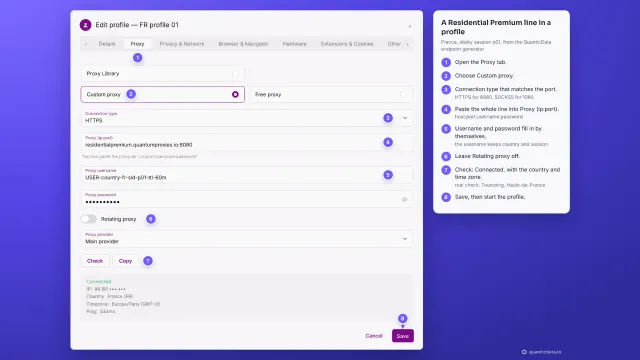
- 0:38The type matches the port: HTTP 8080, SOCKS5 1080.
- 0:40Paste the line from the generator.
- 0:42Click the arrows: IP, location, time zone.
- 0:45Leave Change IP URL empty.
- 0:47Name it, then Create profile.
- 0:50ISP plans: one fixed IP per profile.
- 0:52New proxy, HTTP.
- 0:54Paste the line: IP:Port:Username:Password.
- 0:56The check shows the IP of the line.
- 0:58Change IP URL stays empty.
- 1:00Name it, then Create profile.
- 1:03To change a proxy: the pencil in the Proxy column.
- 1:06New proxy.
- 1:08HTTP, for port 8080.
- 1:10A mobile line: -type-mobile in the username.
- 1:13Click the arrows to check it.
- 1:15For a new IP: -sid-p02 instead of -sid-p01.
- 1:17Change saves it.
- 1:20If the check fails, the profile shows an error.
- 1:22The red badge next to Start shows the error.
- 1:25Error checking connection to proxy.
- 1:27The red arrows in the Proxy column check again.
- 1:30Then check: type matches port, line copied whole, plan has traffic.
Where to go next
A sticky IP for every profile
Residential Premium, ISP and mobile proxies with country targeting and sticky sessions, over HTTP or SOCKS5, copied from the Endpoint generator into the app you use.
More video guides
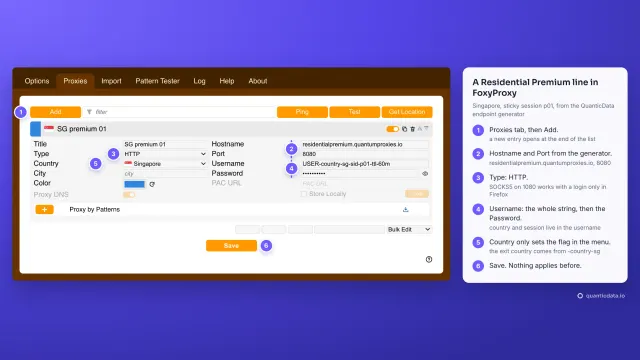 1:40How to add a proxy to FoxyProxyWatch the video
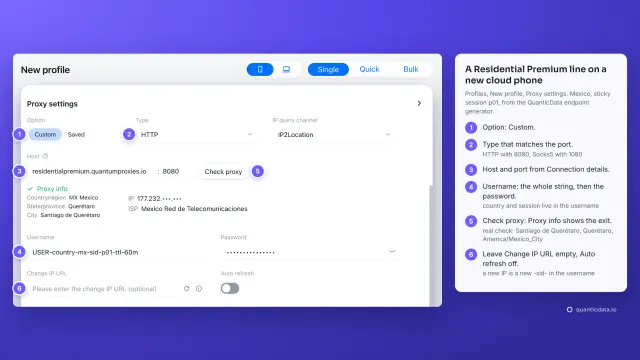 1:34How to add a proxy to GeeLarkWatch the video
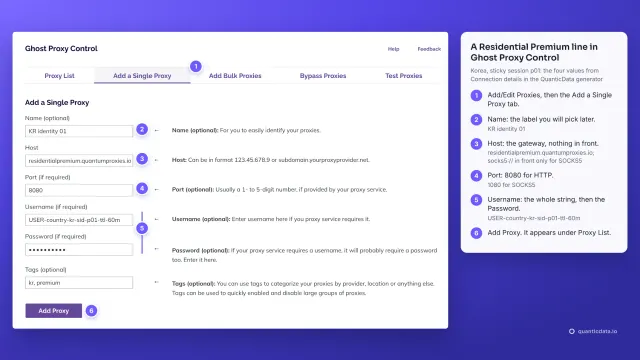 1:39How to add a proxy to Ghost BrowserWatch the video
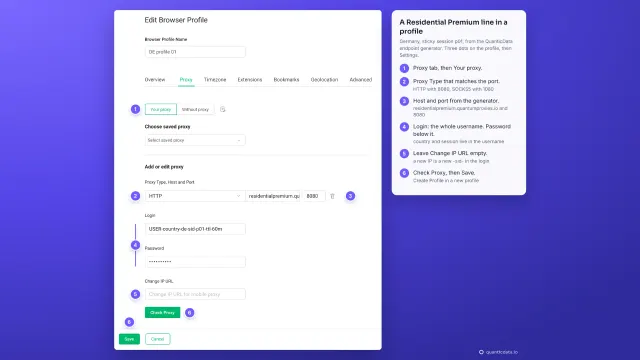 1:39How to add a proxy to GoLoginWatch the video
 1:33How to add a proxy to IncognitonWatch the video
 1:35How to add a proxy to KameleoWatch the video