A direct image URL is an address that returns the image file itself: open it and the browser shows only the picture, and the server's Content-Type starts with image/. The address of a web page that displays the picture is not direct: it returns HTML. Tools that take an "image URL", from forums to reverse image search APIs, want the first kind.
The checks and API calls below were run on 20 November 2026. The API is the QuanticData reverse image search endpoint, which takes an image_url and returns the pages where that picture appears.
Direct image URL or page URL: how to tell
| Direct image URL | Page URL | |
|---|---|---|
| What the server returns | The image bytes | An HTML document |
| Content-Type | image/jpeg, image/png, image/webp... | text/html |
| In a browser tab | Only the picture, on a plain background | The picture with a site around it |
| Usual look | Often ends in .jpg, .png, .webp | Often has /photo/, /details/, /view/ or an id |
The file extension is a hint, not proof. Some image addresses have no extension, and some addresses that end in .jpg return a viewer page. The header is what counts, and one command reads it:
$ curl -s -o /dev/null -w "%{http_code} %{content_type}\n" "https://images-assets.nasa.gov/image/PIA18033/PIA18033~medium.jpg"
200 image/jpeg

$ curl -s -o /dev/null -w "%{http_code} %{content_type}\n" "https://images.nasa.gov/details/PIA18033"
200 text/html
Both addresses lead to the same NASA picture. The first is the file; the second is the page that presents it. If the status is not 200, the host is refusing the request, and anything you hand that address to will be refused as well. More on reading headers is in reading response headers with curl.
How to get a direct image URL
- From a web page: right-click the picture and choose "Open image in new tab", then copy the address of that tab. "Copy image address" gives the same result. On a phone, press and hold the picture and choose the option to open or copy the image.
- From the page source: look for the
og:imagemeta tag in the page's head. It is the picture the site offers to link previews, with a full address. - From a photo host: use the link the host labels "direct link". The default share link usually opens a viewer page.
- From cloud storage: a share link from a drive service opens a preview page, not the file. Use a host that serves the file itself, or put the image on your own site or bucket with public read access.
- From your computer: a file on disk has no URL. Upload it somewhere public first, then run the curl check on the address you get.
Then verify with a private browser window. If the picture loads there, with no login and no cookie from your own session, a server on the other side of the world can load it too.
Passing the URL to a reverse image search API
A reverse image search starts from a picture and returns the pages that contain it. With the SERP API it is one request: search_type set to lens and the picture's address in image_url.
$ curl -s -X POST https://api.quanticdata.io/v1/scraper/serp \
    -H "Authorization: Bearer $QD_API_KEY" -H "Content-Type: application/json" \
    -d '{"search_type":"lens","image_url":"https://images-assets.nasa.gov/image/PIA18033/PIA18033~medium.jpg","country":"us"}'
{"type":"response","message":"SERP successful","payload":{
 "search_parameters":{"q":"https://images-assets.nasa.gov/image/PIA18033/PIA18033~medium.jpg","search_type":"reverse_image","device":"desktop","country":"us","page":1},
 "visual_matches":[
  {"rank":1,"title":"13 \"golpes de sorte\" que permitiram o surgimento da vida na Terra",
   "link":"https://hypescience.com/13-golpes-de-sorte-que-permitiram-o-surgimento-da-vida-na-terra/?amp=1",
   "source":"hypescience.com","domain":"hypescience.com",
   "image":"https://hypescience.com/wp-content/uploads/2012/07/blue-earth.jpg", ...},
  ... 9 more matches]}}
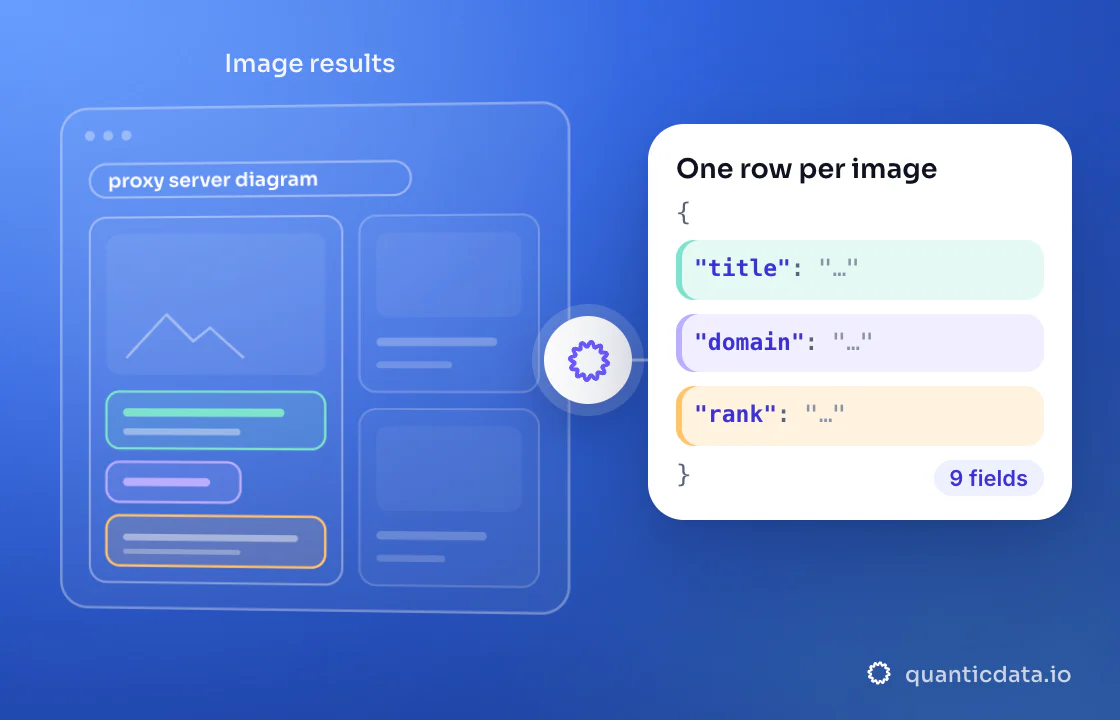
Ten matches came back, each with the page's title and link, its domain and the address of the matching image on that page. The answer labels the search reverse_image; lens and reverse_image are two names for the same search type.
What the API does with each kind of URL
We sent four requests that differ only in image_url:
image_url | Answer | What happened |
|---|---|---|
| A direct JPEG address | 200, 10 matches | The file was searched |
A page that declares og:image (a Wikipedia article) | 200, matches for the preview image | The page's og:image was used as the picture |
A page with no og:image | 422, code image-is-page | The message asks for the direct link |
No image_url at all | 400 | The message says the field is required |
The second row is a convenience: when you pass a page, the API searches the page's preview image. On the article we tried, the preview image was a logo drawing, not the photograph most people would mean. If you care which picture is searched, send its direct address.
The 422 for a page without a preview image reads:
{"type":"error","message":"image_url is a web page, not an image, and the page declares no og:image — pass the direct link to the image file",
 "payload":{"code":"image-is-page"}}
The answer carries a code in payload.code, here image-is-page, so a program can react without parsing the sentence. The request with no image_url answered 400 with a message that says the field is required and must be a publicly reachable http or https address that serves the image itself. The API reference describes the field in one line: the http(s) URL of the image to search by.
A checker to run before a batch
If you are about to send hundreds of addresses, check them first and fix the ones that are pages. This Python function applies the same test as the curl command:
import requests

def is_direct_image(url):
    r = requests.get(url, stream=True, timeout=20, headers={"Accept": "image/*,*/*;q=0.8"})
    kind = r.headers.get("Content-Type", "").split(";")[0]
    r.close()
    return r.status_code == 200 and kind.startswith("image/"), r.status_code, kind

for url in ["https://images-assets.nasa.gov/image/PIA18033/PIA18033~medium.jpg",
            "https://images.nasa.gov/details/PIA18033"]:
    print(is_direct_image(url), url)
(True, 200, 'image/jpeg') https://images-assets.nasa.gov/image/PIA18033/PIA18033~medium.jpg
(False, 200, 'text/html') https://images.nasa.gov/details/PIA18033It uses GET with stream=True and closes the connection after the headers, because some hosts answer HEAD requests differently from GET. For saving the files themselves, see downloading images with Python.
Which endpoint to use
The call above returns the matches of one search. If you would rather give a list of pictures and receive rows, the reverse image search collector wraps the same search as a collector run with a cap per run. Parameters such as country, lang and exact_matches are in the API reference.