Compare · Sticky vs rotating
Sticky vs rotating proxies
Same network, two behaviours. Rotating gives you a fresh home IP on every request; sticky keeps the same IP through a login, a cart or a checkout, up to 1,440 minutes. You choose per connection, in the proxy username, and the price per GB does not change.
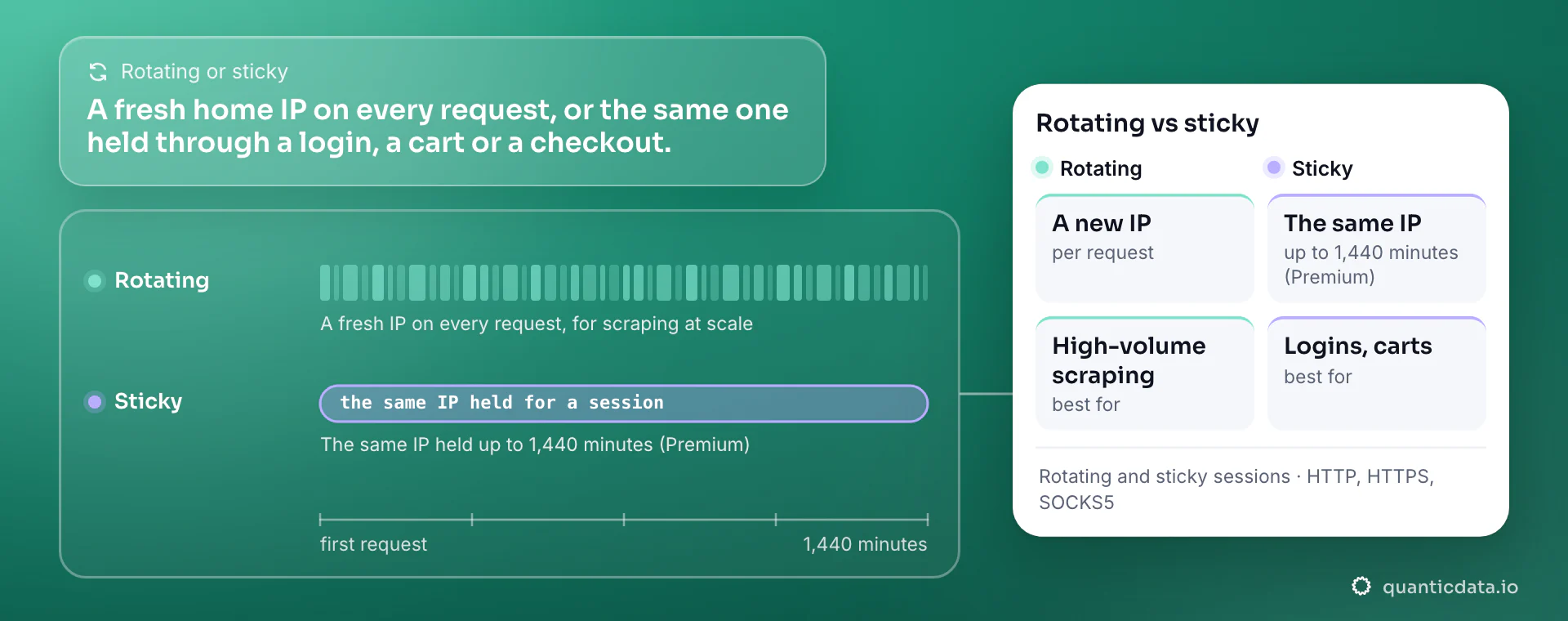
The difference
One choice in the username.
| Rotating | Sticky | |
|---|---|---|
| What changes | A new home IP on every request | The same home IP for the session |
| How long | One request | Up to 1,440 minutes; super sticky 24 h on Premium |
| How you set it | Country only: USER-country-us | Add a session id and a time: USER-country-us-sid-k3f9a1b2-ttl-30m |
| Price | Per GB, from $0.80/GB | Same price per GB |
| Concurrency | Unlimited concurrent sessions | Unlimited concurrent sessions |
Rotating
When every request should look like a new visitor.
Rotating is the default for collection: a search, a product page, a price check. Each request leaves from another home IP, so rate limits and blocks tied to one address do not build up.
It fits web scraping at volume, SERP and price monitoring, ad verification across many locations: anything where requests do not need to remember each other.
Sticky
When the site must see the same visitor.
Sticky keeps one IP for as long as you set with ttl, up to 1,440 minutes. Use it whenever the target ties a session to the address: a login, a basket, a multi-step form, a checkout, a dashboard that would log you out if the IP changed.
Pick a new sid for each identity you run in parallel: every session id is its own IP, and there is no limit on concurrent sessions.
If an account must keep the same IP for weeks, a session is not enough: that is what ISP proxies are for, one static IP for the whole 30-day term (ISP vs residential).
Set it up
Two lines, same login.
# rotating: a new US home IP on every request
curl -x http://USER-country-us:PASS@PROXY_HOST:PORT https://ipinfo.io/ip

# sticky: the same US home IP for 30 minutes
curl -x http://USER-country-us-sid-k3f9a1b2-ttl-30m:PASS@PROXY_HOST:PORT https://ipinfo.io/ipThe host, port and password are in your dashboard after you buy a plan. HTTP, HTTPS and SOCKS5 use the same login; on Basic, SOCKS5 also carries UDP.
Before you choose
Questions buyers ask
What is a sticky session?
A proxy session that keeps the same exit IP for a set time instead of changing it on every request. Here you set it with a session id and a ttl in the username, up to 1,440 minutes.
Are rotating proxies better for scraping?
For most collection, yes: a fresh IP per request spreads the load. Use sticky only for steps that must share a session, such as a login before the pages you collect.
Does sticky cost more?
No. Both modes bill the same price per GB; you pay for traffic, not for the session type.
How many sticky sessions can I run at once?
As many as you need: every session id is a separate IP and concurrent sessions are unlimited.
What happens when the sticky time ends?
The next request gets a new IP. Start a new session id if you want to hold a new address.
Rotate or stick, same plan.
Residential proxies from $0.80 per GB, pay as you go, rotating and sticky sessions in every plan, no KYC.