Collectors · Local & Maps
DoorDash Scraper API in Python
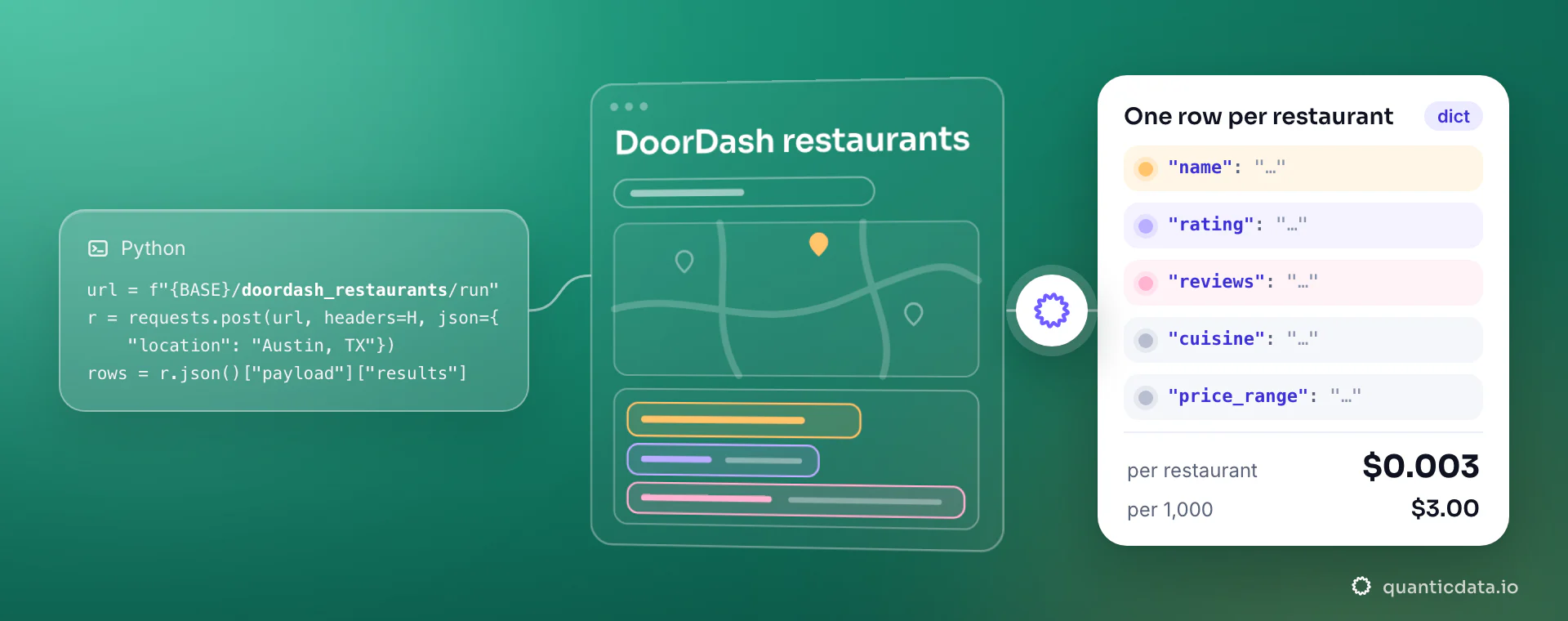
Restaurants delivering in a US city — rating, exact review count, cuisine, address. One POST from Python with location, rows back as JSON with 25 fields, $0.003 per delivered restaurant. No proxies or parsers to maintain.
First call
Install, call, read the rows.
pip install requestsimport os, requests
r = requests.post(
"https://api.quanticdata.io/v1/scraper/collectors/doordash_restaurants/run",
headers={"Authorization": f"Bearer {os.environ['QD_API_KEY']}"},
json={
"location": "Austin, TX",
"max_results": 50,
},
timeout=120,
)
r.raise_for_status()
run = r.json()["payload"]
print(run["count"], "rows,", run["cost"]["usd"], "USD")
for row in run["results"]:
print(row.get("id"), row.get("name"), row.get("rating"), row.get("reviews"))The key comes from an environment variable, never from the code. The run answers in the same request when it finishes in time; payload.results holds the rows and payload.cost what they cost.
Request parameters
What the collector takes.
| Parameter | Type | Required | Meaning |
|---|---|---|---|
location | string | yes | US city and state, e.g. "Austin, TX". |
cuisine | string | no | Narrow to one cuisine, e.g. "mexican" or "sushi". Each cuisine is its own full page, so this is how you collect more than one page's worth for a city. |
country | string | no | ISO 3166-1 alpha-2 code — proxy exit geo and Google locale (gl). Omit for the default pool. |
max_results | integer | no (default 50) | How many restaurants to deliver at most (1–50). You pay only for delivered restaurants. |
Response fields
25 fields per restaurant.
| Field | Type | What it holds |
|---|---|---|
rank | integer | Position in DoorDash's order for this city. |
id | string, nullable | DoorDash store id. |
name | string | Restaurant name. |
rating | number, nullable | Average rating out of 5. Null on stores with too few ratings. |
reviews | integer, nullable | Exact review count — the rendered page only shows it rounded. |
cuisine | string, nullable | Primary cuisine. |
price_range | string, nullable | Price band ($ to $$$$). |
street | string, nullable | Street address. |
city | string, nullable | City. |
state | string, nullable | State code. |
postal_code | string, nullable | ZIP code. |
country | string, nullable | Country. |
image | string, nullable | Store photo URL. |
url | string, nullable | Store page URL. |
address | string, nullable | Full address on one line as DoorDash prints it, ZIP included. |
latitude | number, nullable | Store latitude. |
longitude | number, nullable | Store longitude. |
categories | string[], nullable | Every cuisine/category tag on the store; `cuisine` is the primary one. |
delivery_fee | string, nullable | Delivery fee as displayed, e.g. "$0 delivery fee". |
distance | string, nullable | Distance from the city centre the page is built around, as displayed ("0.5 mi", "800 ft"). |
eta_minutes | integer, nullable | Estimated delivery time in minutes when DoorDash shows one. |
promotions | string[], nullable | Promotion and highlight tags on the card, e.g. "$5 off on $35+", "Newly Added". |
popular_items | object[], nullable | Up to 8 popular menu items: name, description, price, currency, image. |
offers_pickup | boolean, nullable | True when the store offers pickup. |
sponsored | boolean, nullable | True when the card is a sponsored placement. |
Add ?format=csv to the runs endpoint to get the same rows as CSV.
Long runs
Run in the background, then poll.
A run that needs more time can go to the background: send "async": true, get 202 with the run id, and poll the runs endpoint until the status is done. Reading a run is free.
import os, time, requests

H = {"Authorization": f"Bearer {os.environ['QD_API_KEY']}"}
r = requests.post("https://api.quanticdata.io/v1/scraper/collectors/doordash_restaurants/run", headers=H,
                  json={**{"location":"Austin, TX","max_results":50}, "async": True}, timeout=30)
run_id = r.json()["payload"]["run_id"]
while True:
    run = requests.get(f"https://api.quanticdata.io/v1/scraper/collectors/runs/{run_id}", headers=H, timeout=30).json()["payload"]
    if run["status"] in ("done", "failed"):
        break
    time.sleep(5)
print(run["status"], run["count"])Errors
What can come back, and what is billed.
| Status | Meaning | Billed |
|---|---|---|
400 | The input does not match the collector (payload.errors) | No |
401 | Missing or wrong API key | No |
402 | Balance and free credit do not cover the run: top up | No |
422 | The input can never resolve; retrying the same input cannot help | No |
424 | The run failed at the source (blocked, timed out, layout changed); safe to retry | No |
429 | Rate limit or a per-account brake; wait for Retry-After | No |
Only delivered rows are billed: a run that delivers nothing costs nothing.
Price
$0.003 per delivered restaurant.
| Rows | Cost |
|---|---|
| 1 | $0.003 |
| 1,000 | $3.00 |
| 10,000 | $30.00 |
Up to 50 restaurants per run; split larger jobs into several runs. The $2 free credit every month covers about 666 restaurants. No subscription; paid tiers lower the unit price. All collector prices: collector pricing.
Before you run it
Questions developers ask
Is there a free DoorDash restaurants API?
Every account gets $2 of free usage each month, about 666 restaurants of this collector at $0.003 each, with no card.
Do I have to handle proxies, retries or blocks?
No. The collector runs on our network and handles them; a run blocked at the source returns 424 and is not billed.
How many rows can one run return?
Up to 50 restaurants per run (the max_results input, where the collector has one).
Can an AI agent run it?
Yes: the MCP server exposes it as the run_collector tool, with the same input and price. See the MCP server.
Run it on the free credit.
Create an API key, export it as QD_API_KEY and run the example. $0.003 per delivered restaurant, no subscription.